
As historic information in IBIS contains information about which user performed which tasks, it is not possible to remove a user. When a user no longer should have access, edit the user and end-date the account.
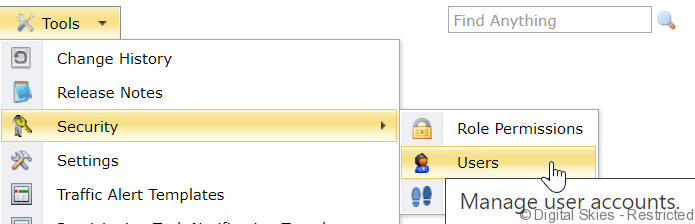
Go to the [Tools] menu and select [Security] and then [Users]
In the table, click on the username to be end-dated.
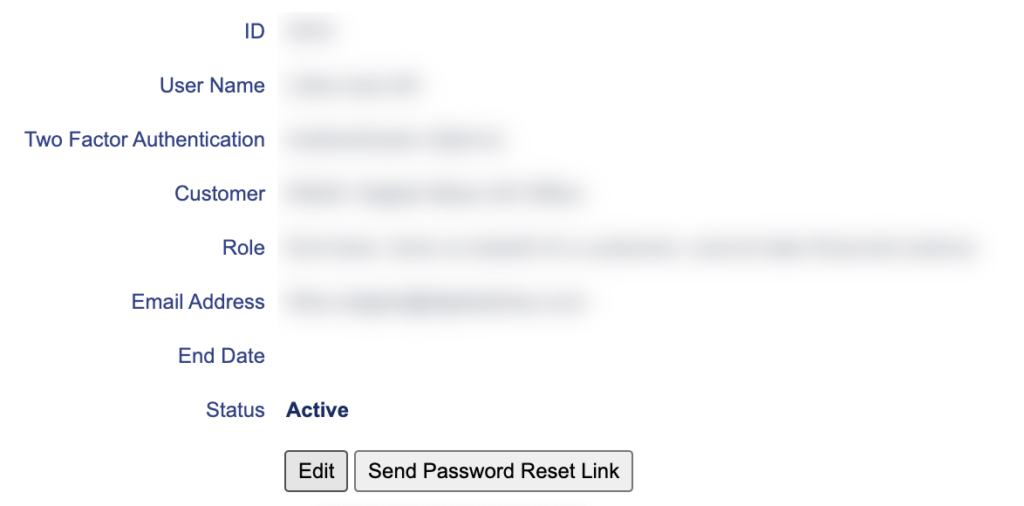
Click on [Edit]
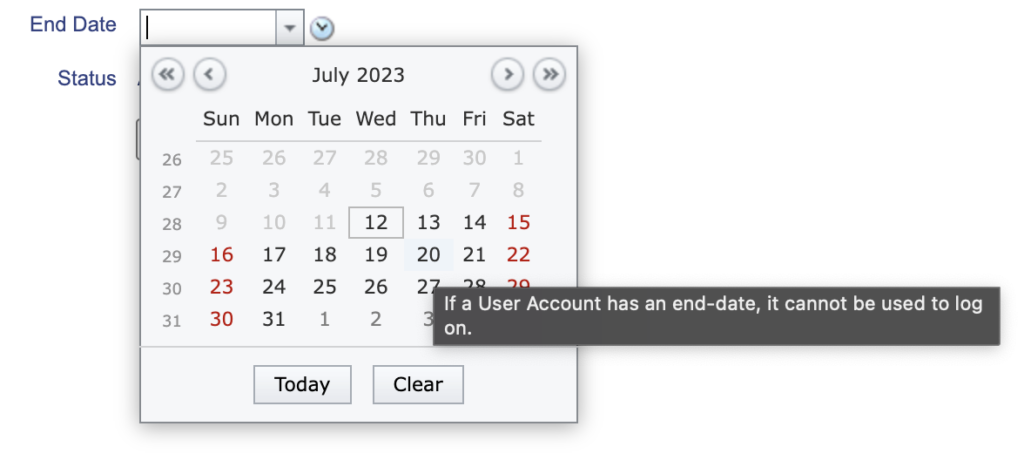
Select the required End Date.
Note: If a future date is entered, the user will continue to be active until 00:00 on the End Date chosen.
Save the user.