*Iridium Edge Pro terminal management is available for select projects – a license fee applies, please contact your account manager if you are interested*
For Iridium Edge Pro, by default, only the terminal related messages are readable in IBIS. It is possible to also decode payload messages, however this can be done on a case by case project basis and is not available out of the box.
Messages are available for an individual terminal on the terminal details overview, or as part of all available messages in the messages overview.
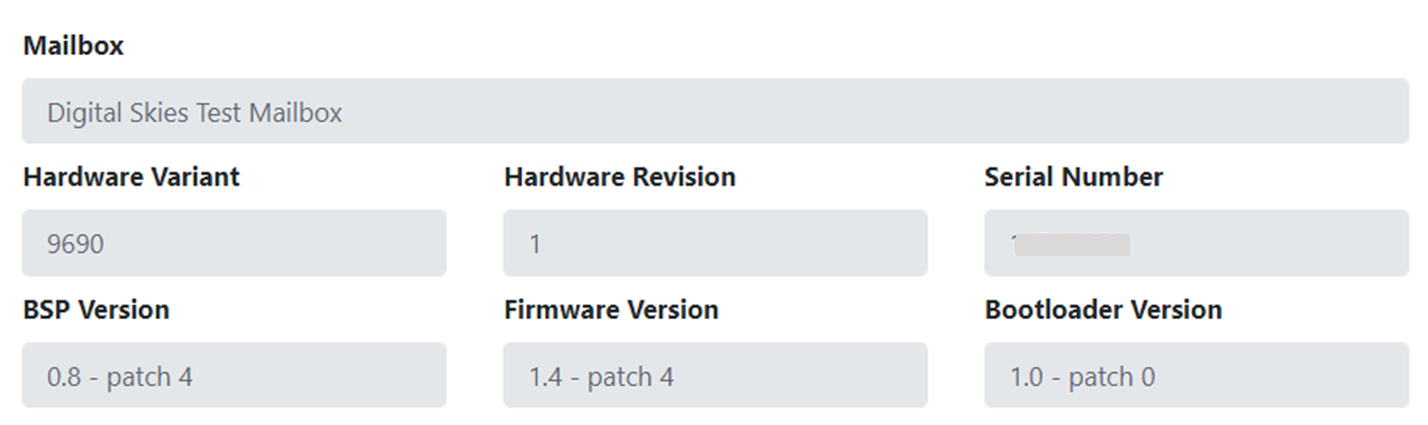
The [Get Device Info] command provides the information that is translated in the [Status Details] widget on the terminal details screen.
To see the details of a message, click the message ID. A pop-up becomes available with the original content of the message.
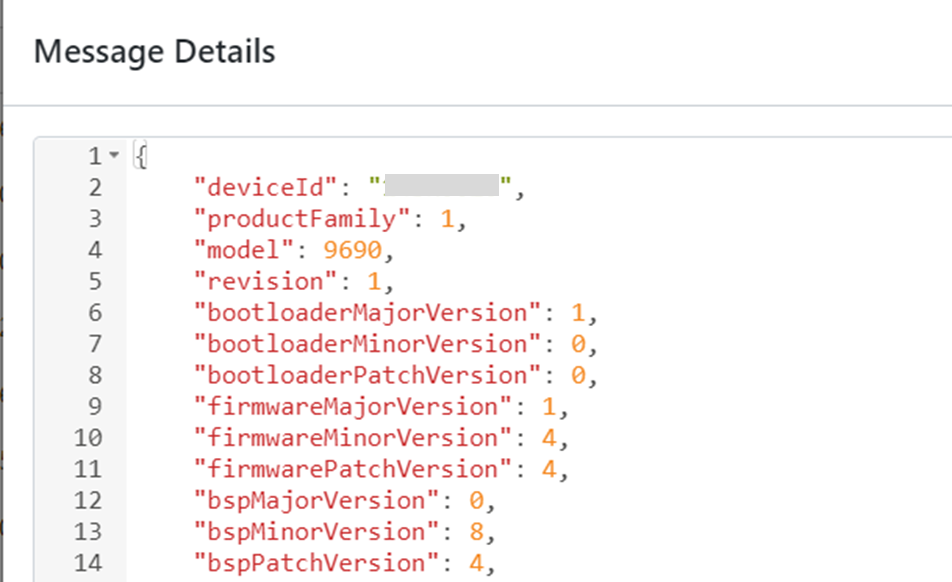
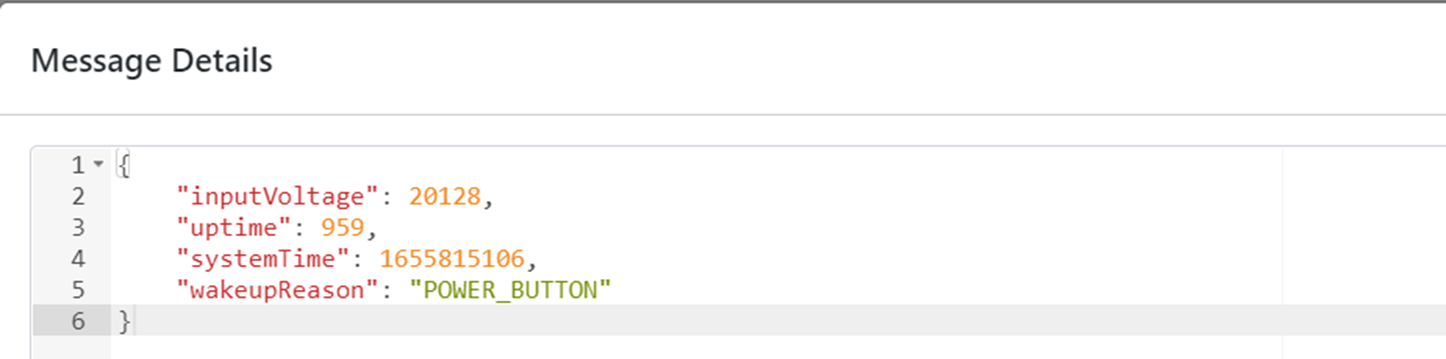
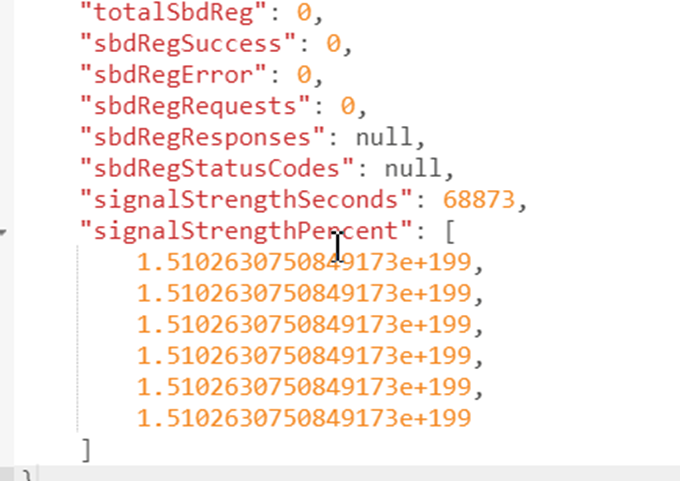
Other message types that can be retrieved from the terminal with a request from the action menu. Please note that these messages are not available in a widget format in IBIS, but the content can be checked in the raw message.
Device status: details on the device power status and uptime
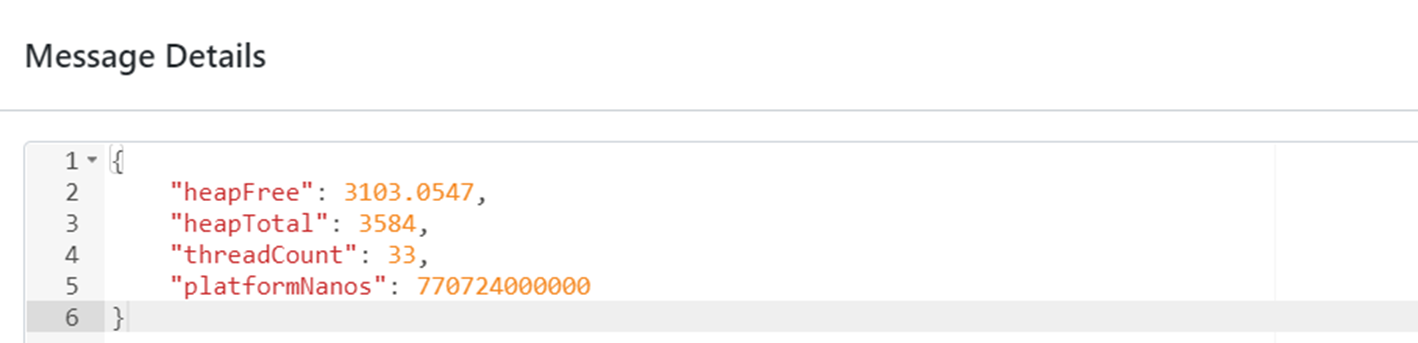
Getmetrics: This message type includes signal strength, amongst other details
Device health: To be completed