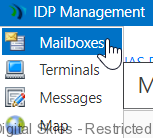
Mailboxes can be managed from the mailboxes screen in IDP Management.
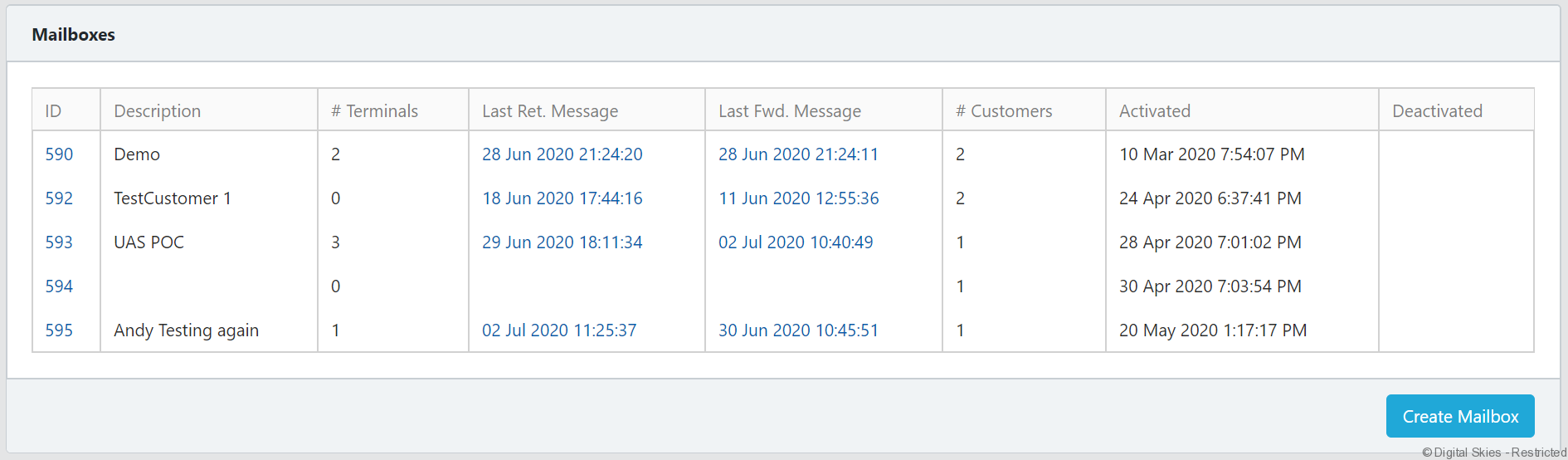
The mailbox overview screen shows all the mailboxes that can be managed by the current user.
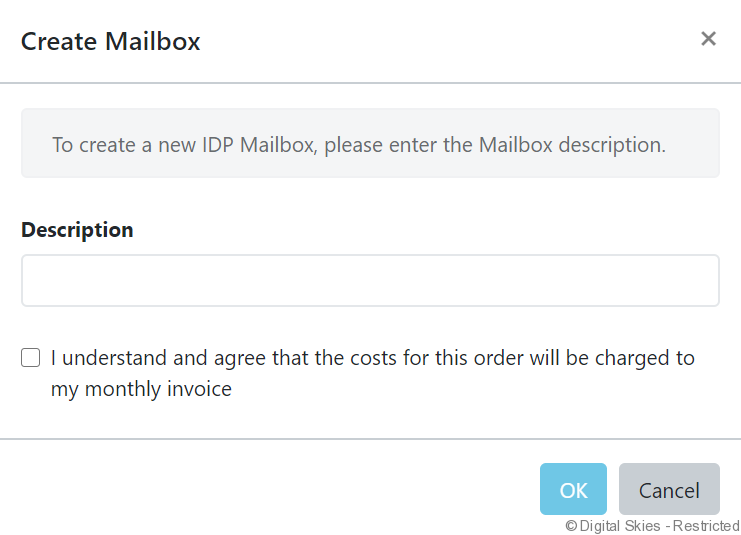
Click [Create Mailbox] to provision a new mailbox:
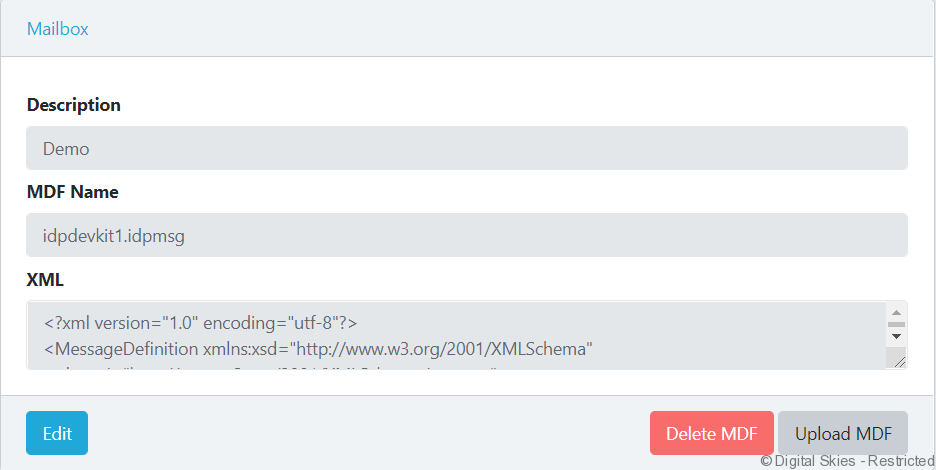
Mailbox
Users can view and edit the mailbox description, upload MDF files in the supported .xml or .idpmsg format or delete the MDF from the mailbox.
Status details
The Status details section displays mailbox information retrieved from the IDP portal.
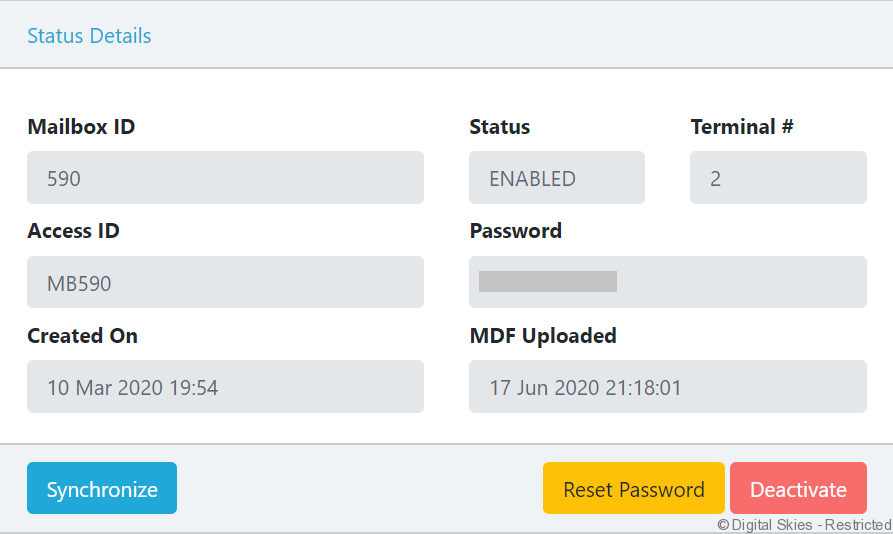
The [Synchronize] button enables users to request the current information on the portal.
The [Reset Password] button allows users to request a new Mailbox password.
Important – Always reset the Mailbox password in ISIP. Passwords reset directly in the Inmarsat IDP Portal will not synchronize with ISIP and the Mailbox will be inaccessible from IDP management.
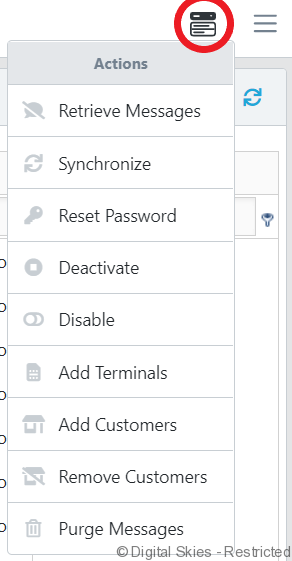
Action Menu
Use the action menu for mailbox interactions such as adding customers or terminals and retrieving or purging messages.