
The Device Management page shows all IDP terminals, regardless of status. For a general overview of the device screen, please refer to the generic device management page.
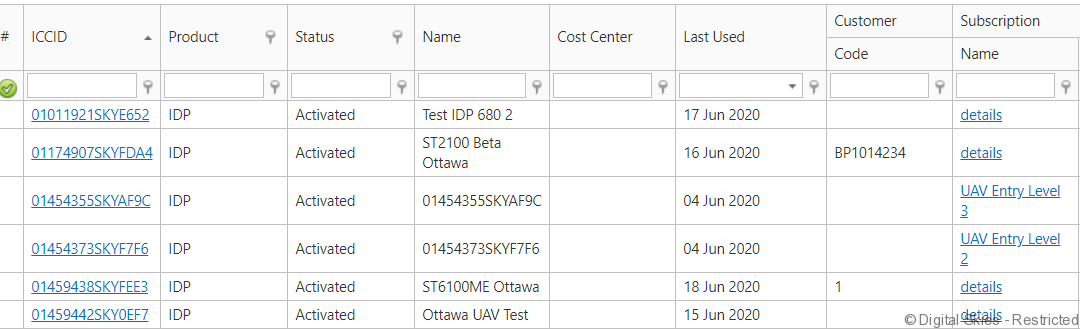
It is possible to select to view only active, deactivated or disposed devices:

The following actions are available from this page:
- View IDP terminal details – click on the terminal ID in the [ICCID] column
- View subscription details: Click on the name of the subscription in the [subscription] column.