
The new vessel will need to be populated in IBIS prior to requesting the change. To provision a vessel see, Iridium Certus Vessel Management.
To change the linked vessel on an active SIM, first lookup the SIM card details page.
On the bottom left under service configuration, select ‘Change the configuration of services on this SIM card’.
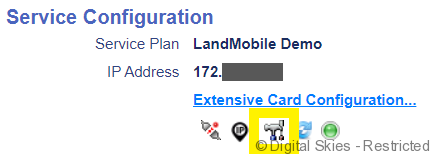
Under the configuration wizard select maritime where you will be able to select vessels from the vessel list in IBIS.
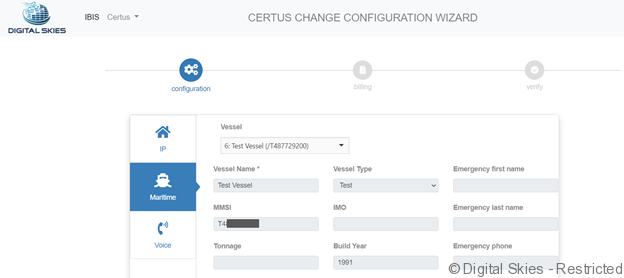
Choose the correct vessel, select next, and complete the configuration wizard.
A provisioning task will be sent to SP Net to change the vessel on the active SIM.
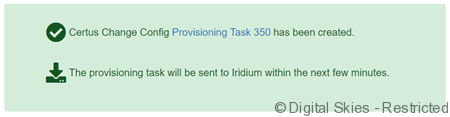
See Monitor provisioning tasks for more information on how to monitor the status of the task.
See Iridium Certus activation Maritime for Certus Maritime activations on new SIMs.