
Prerequisites:
- IDP terminal details are complete and uploaded into IBIS
- The customer to activate the device for has been created. If not, go to customer creation
- The price plan to activate the device on has been created and is made available to this customer. If not, go to
To activate a sim card, go to the Installed Base either from the main menu or the customer page. Tick the “Inactive cards” box.

From the list, select which card to activate by clicking on the ICCID from the list. This opens the specifics of the terminal. The terminal must be assigned to a customer.
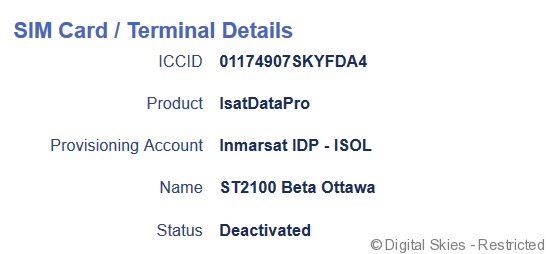
Once the terminal detail page is open, click activate.
Select the desired price plan for the Sim from the drop down menu. Once a plan is selected, new options become available on the Activation page.
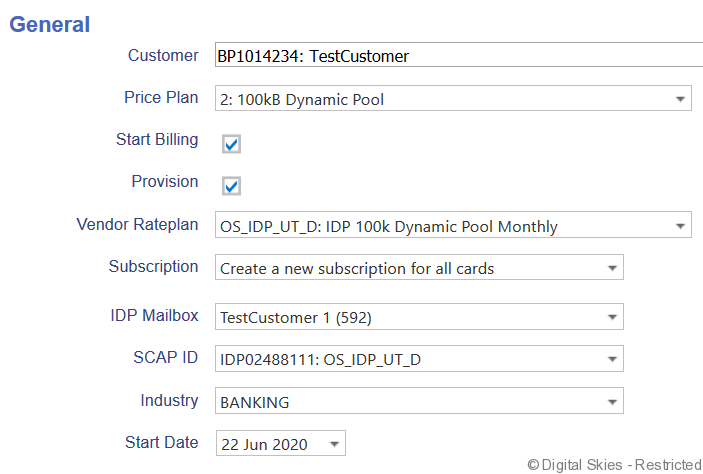
It is possible to add the terminal to an existing subscription or to create a new subscription. In this example, the latter is the only option.
The IDP mailbox must be selected
Start Date can be either now or future dated.
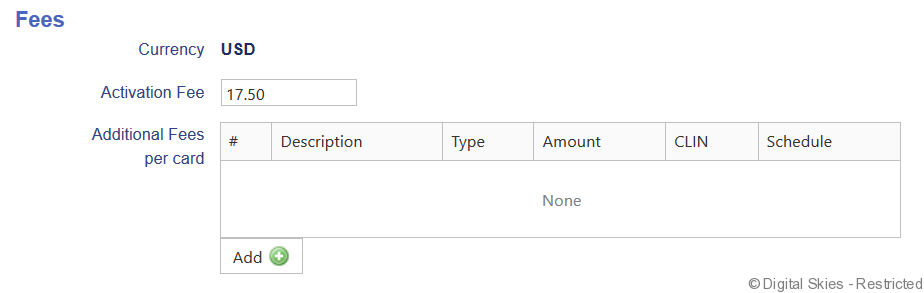
The Subscription fee and activation fee are automatically generated per the price plan. Additional Fees can be added as needed.
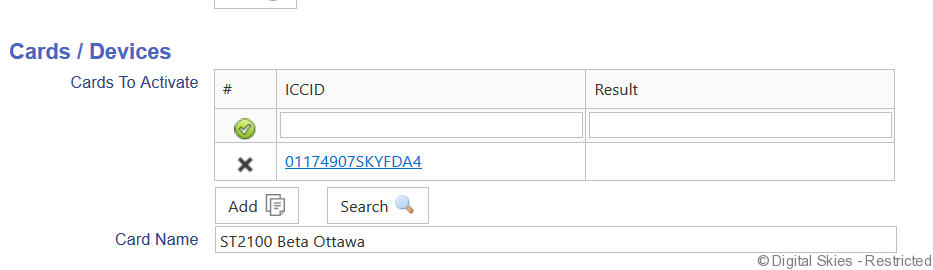
Multiple terminals can be activated on the same price plan at a time (for more information see Activating Multiple Sims)
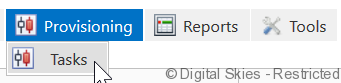
It is possible to keep track of the status of the activation in [Provisioning] [Tasks]
The status [confirmed] means that the request has been received correctly and is in progress.
The status [completed] means that the request has been succesfully completed.
