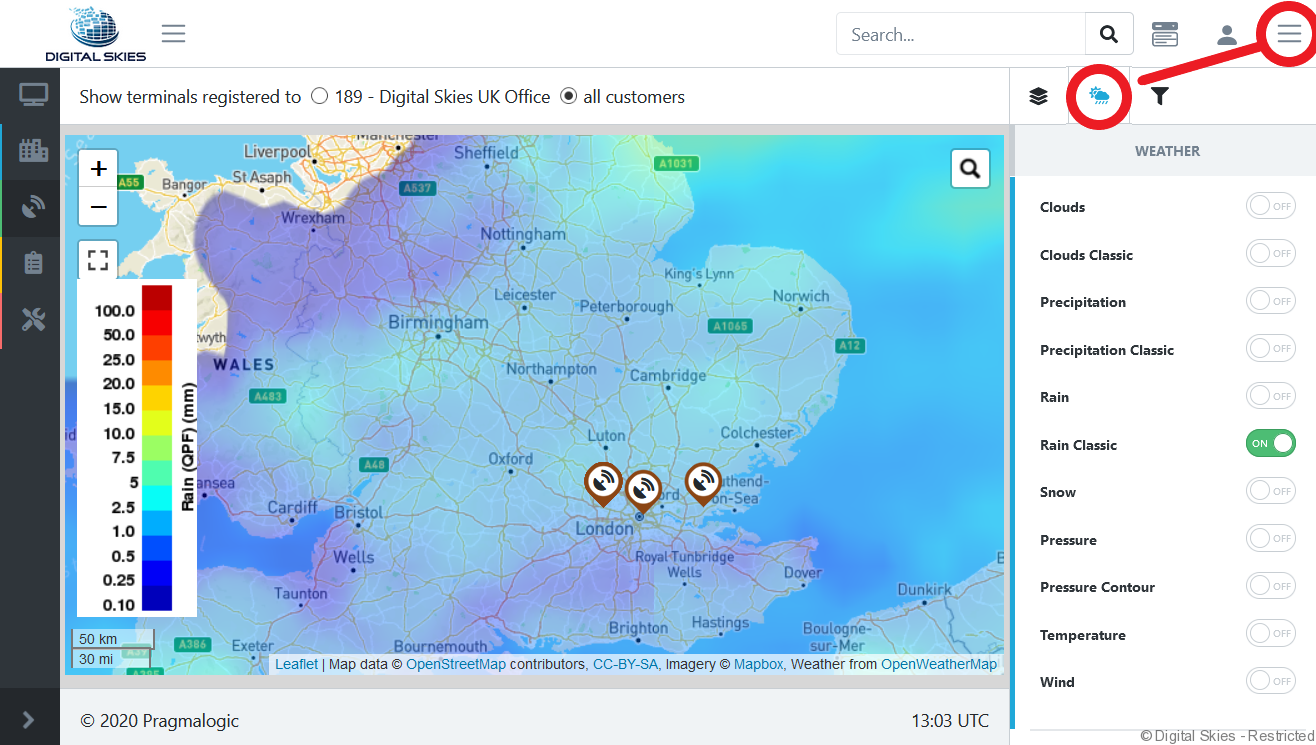
The map view displays colour coded icons based on the last reported terminal status.
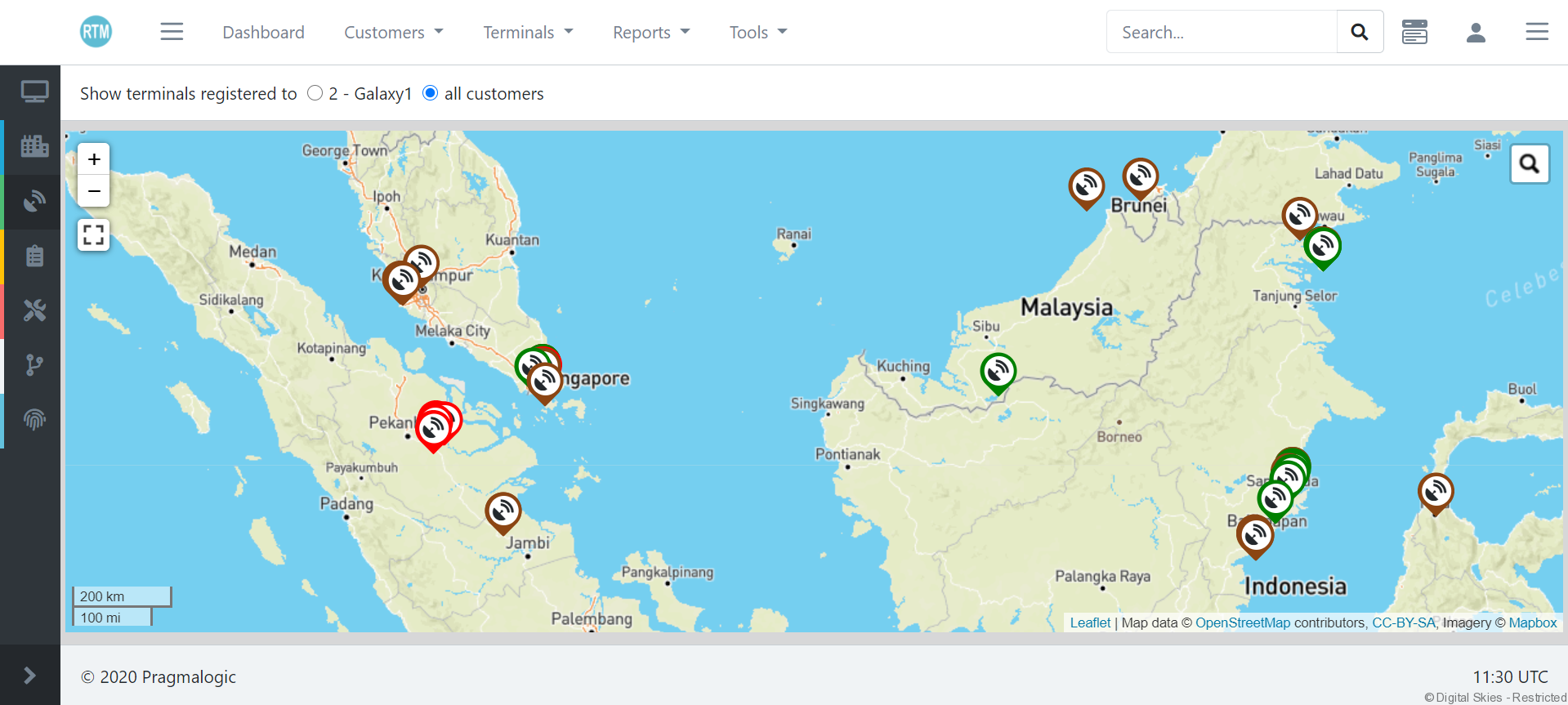
- Green: terminal has 1 or more running data sessions
- Red: terminal is assumed to be always online because it has an OnSessionEnd action defined, but has no running data sessions
- Brown: no running data session (or deleted terminals, if included in the overview)
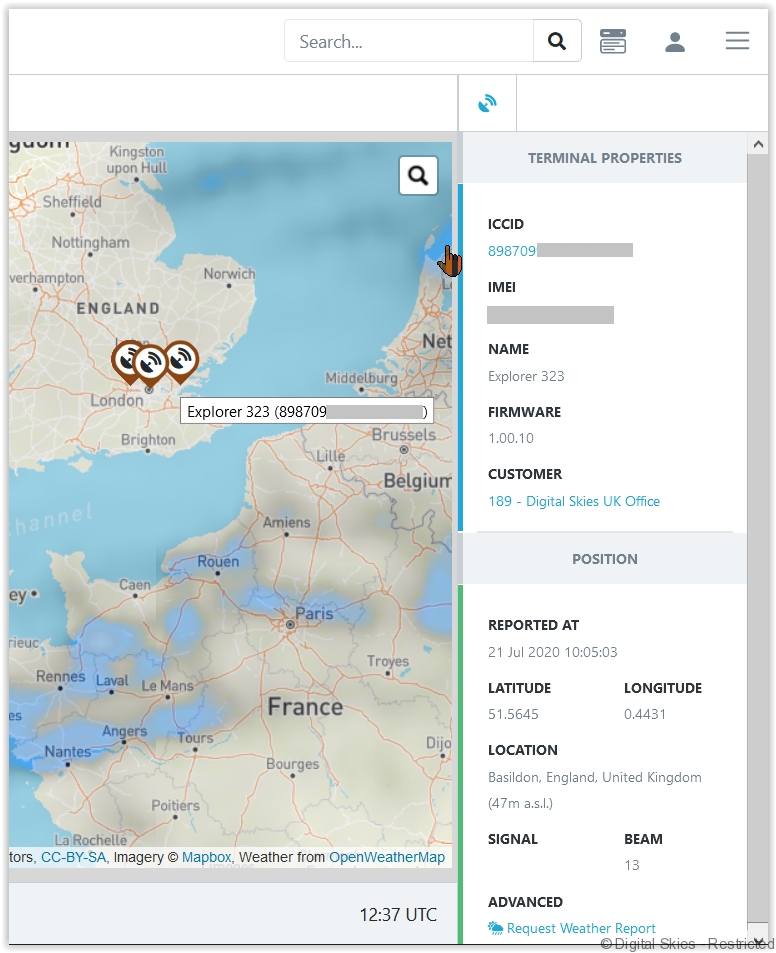
Pull the terminal details and last recorded status by clicking on the terminal icon.
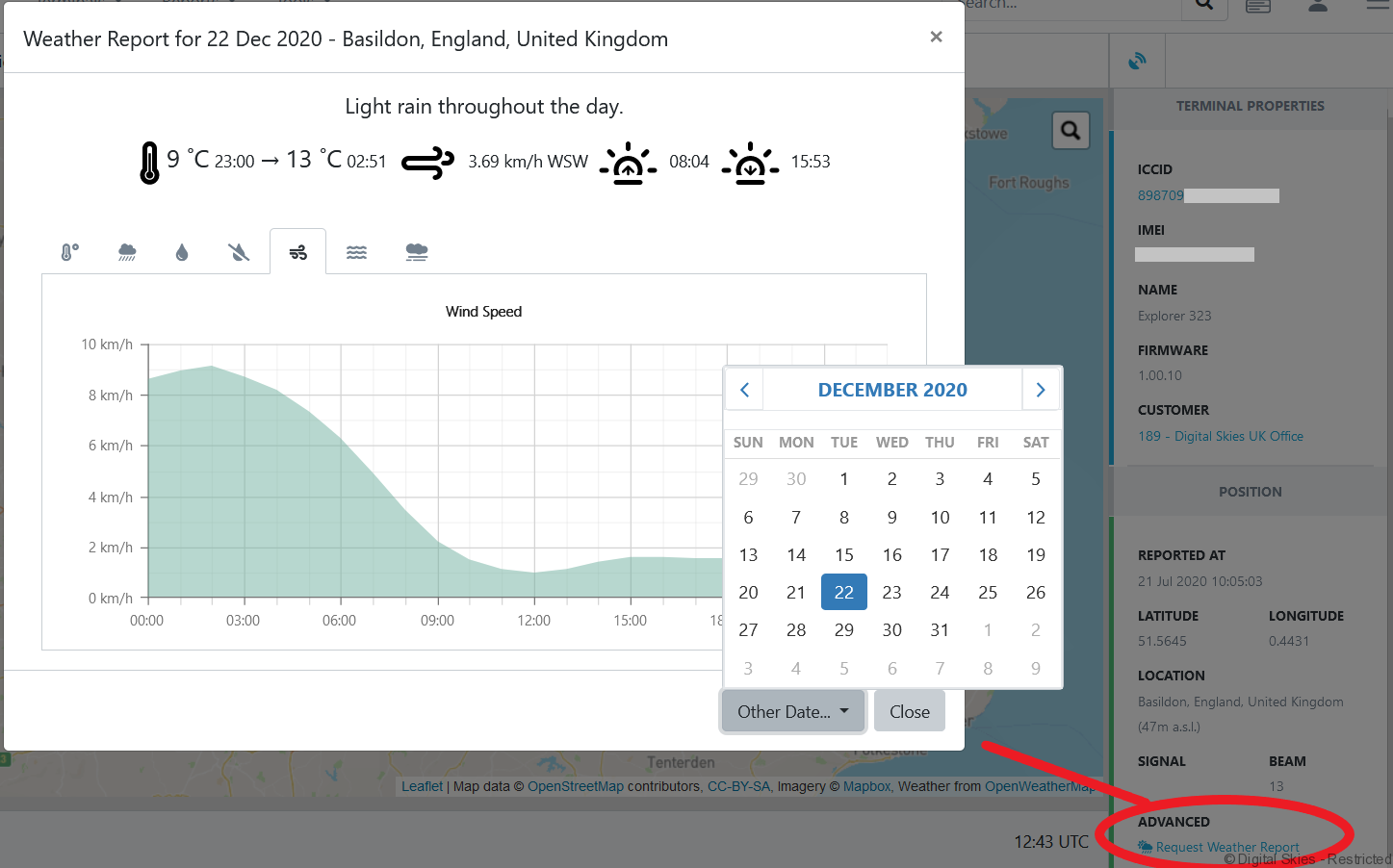
Historic and predicted weather reports are available for temperature, wind speed and more.
Add filter layers to the map view in the hamburger menu and layers
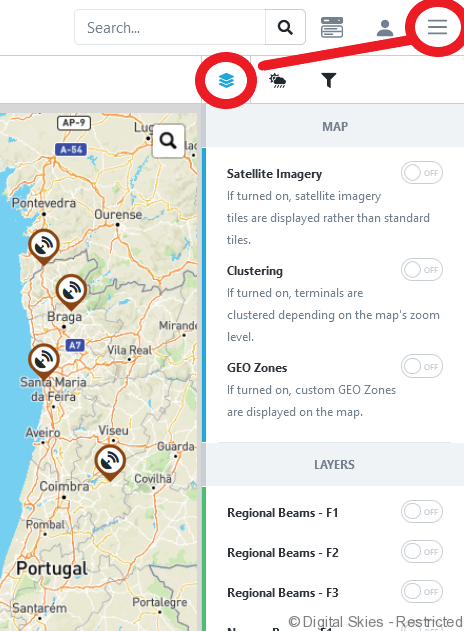
Add the Inmarsat regional and narrow beam overlay to the map view.
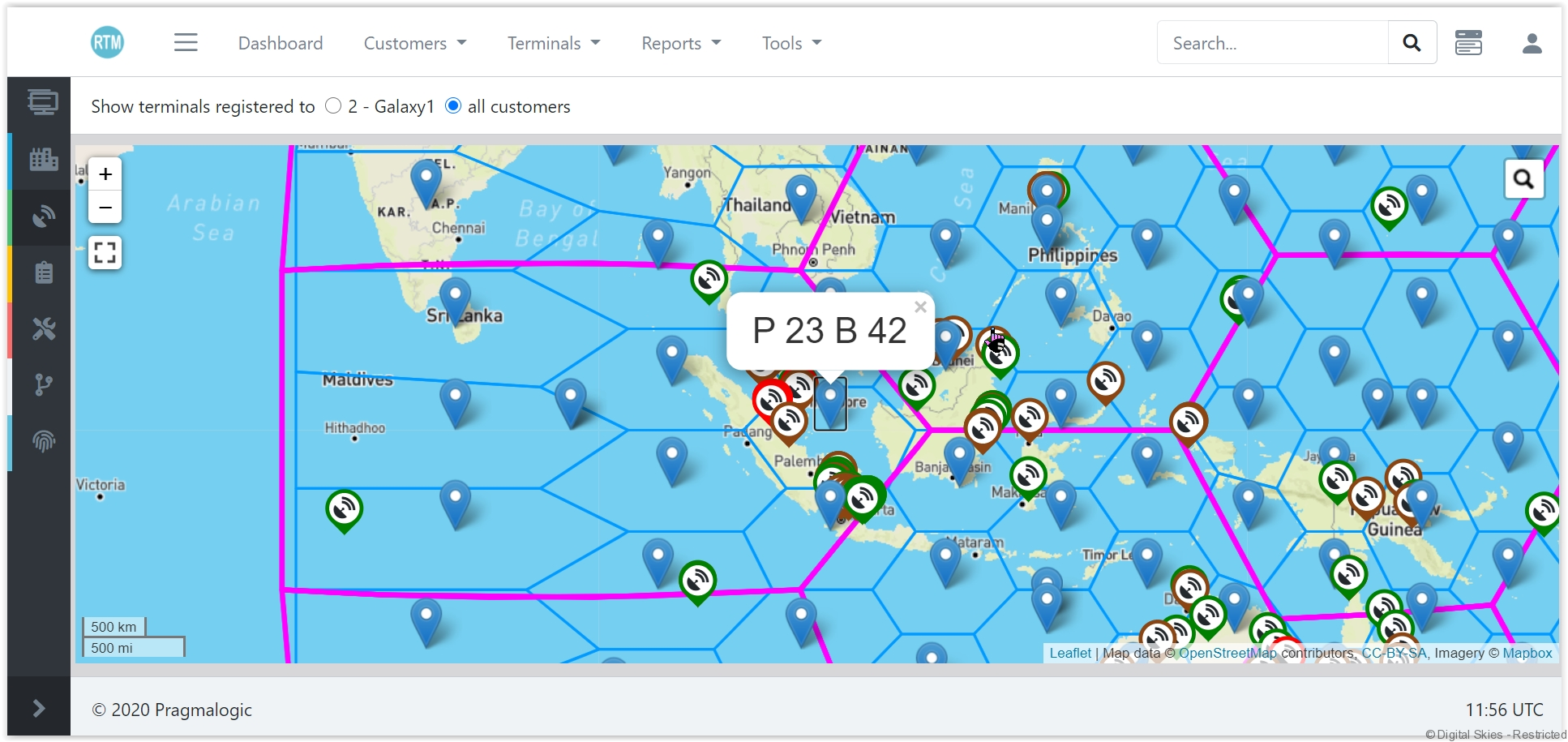
Users can overlay the existing live forecast onto map view