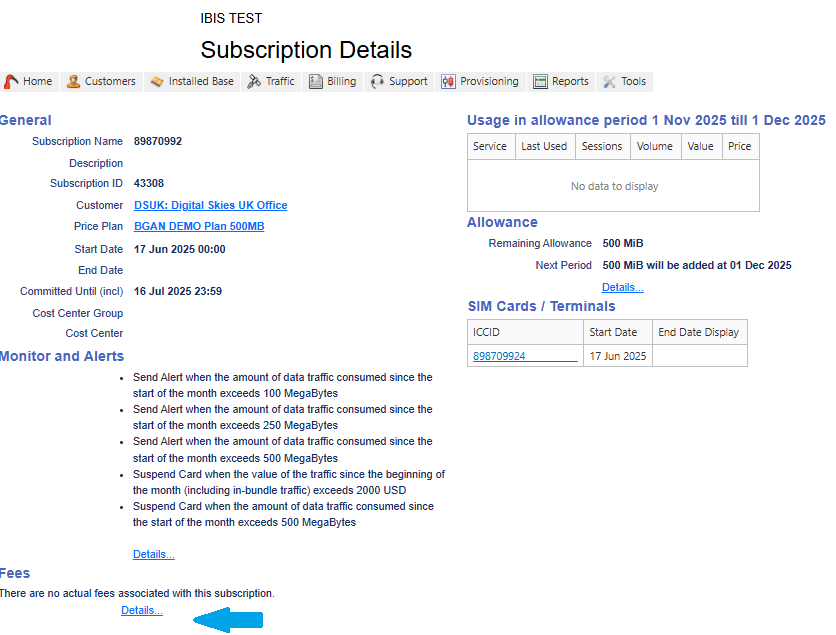
When it is required to add a fee to an existing subscription this can be done via the Subscription Details page.
- Select the subscription page and scroll down to Fees and select the hyperlink Details
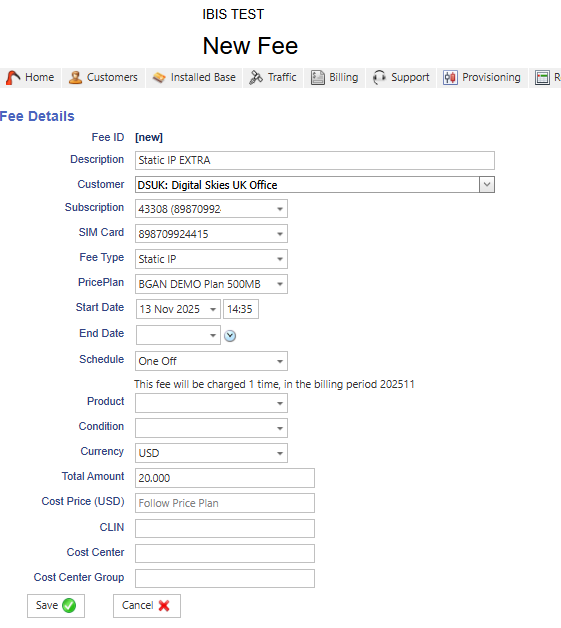
2. Select Add Fee:

3. Enter the fee details. The Total Amount is entered manually or in case of a VAS fee, it will populate automatically from the price plan VAS fees, see Value Added Service Fees