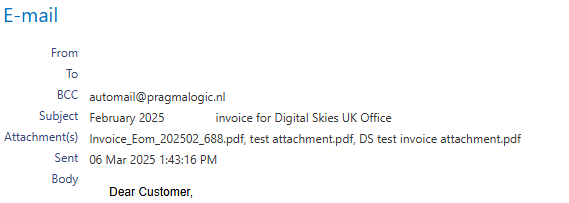
Invoice E-mail includes Invoice pdf is the default setting for all IBIS billing platforms:

To enable a Biller to sending other information with the invoice email, like announcement of service changes, a price increase or other sales or billing related information, the below setting is introduced.

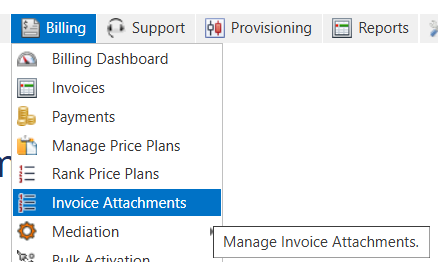
When this Setting is set to true, the billing menu item Invoice Attachments will appear:
Example of attachment set up:
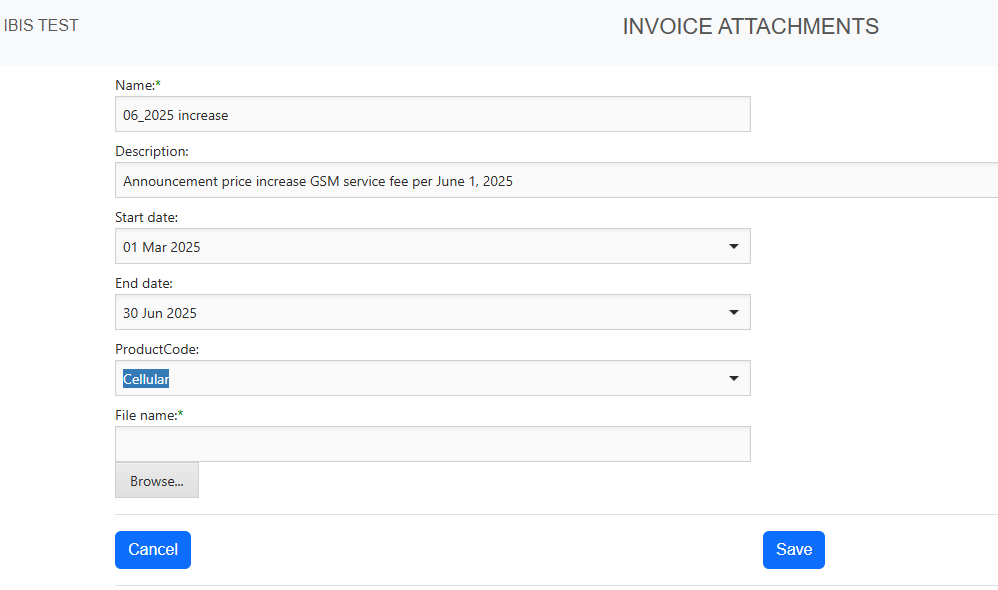
Select a pdf and save as attachment.
NOTE: the start and end date indicate the actual date when an invoice is sent. Not the invoice date, that can be the last day of billing month.
The product selection results that only customers that have a invoice charge related to that product will receive the attachment with the invoice email.
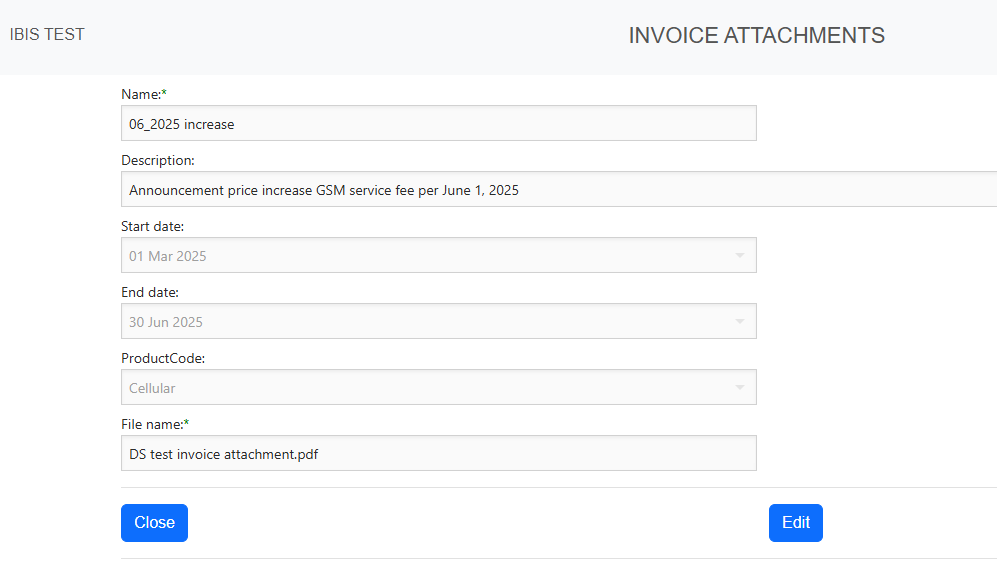
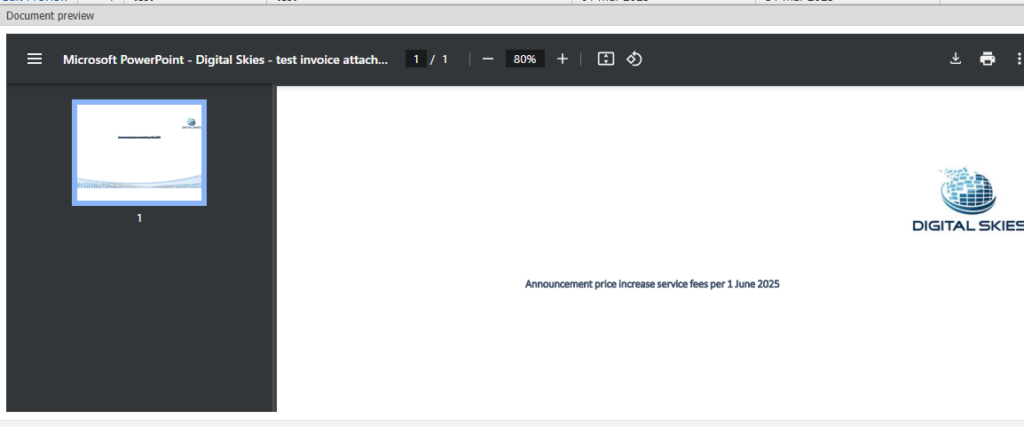
In the Attachment overview, details can be edit and the attachment it self can be previewed:
In the email history it is visible that the attachment has been sent with the invoice email