
IBIS facilitates the addition of custom fields to Devices, with the option to use the field as free text or set a limited selection of values.
It is possible to create 8 custom SIM card/Device fields. PLEASE BE AWARE THESE FIELDS APPEAR SYSTEM WIDE FOR ALL DEVICES AND ALL CUSTOMERS.
Whenever a value is entered for a SIM Card field, it will appear in the Devices report (pivot table) and can be added as a column, to sort and filter.
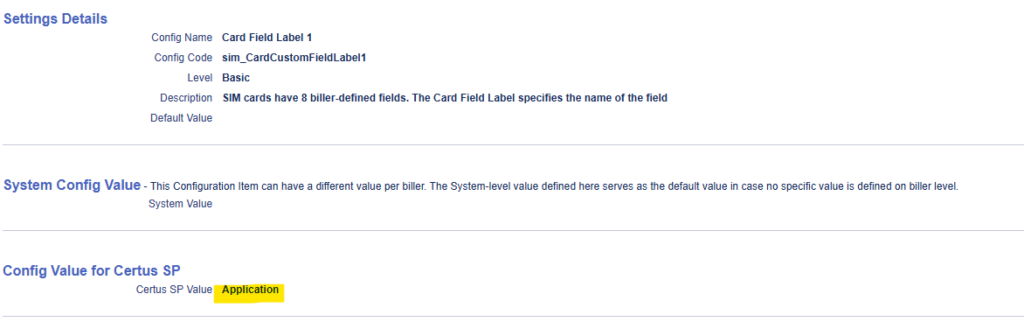
Please see below example, where card field 1 is named Application:
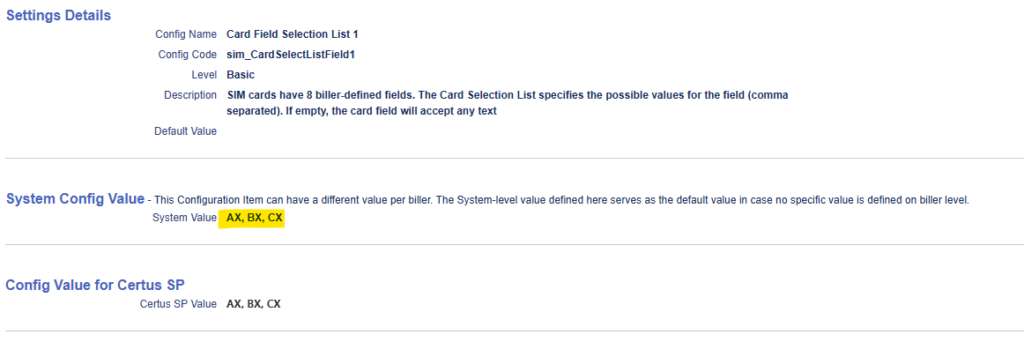
In the Card Field selection 3 values have been entered: AX, BX, CX
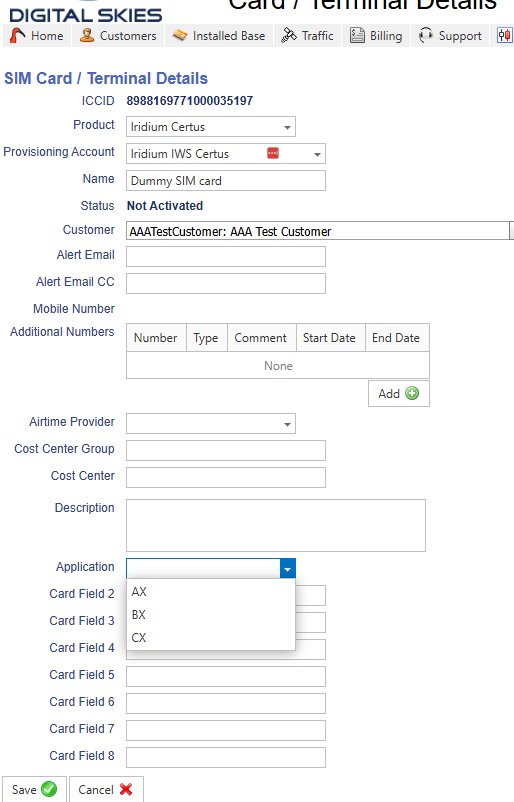
The Card Field shows up with drop down list in the Device page:
Please note that for specific service configuration values, like IMO and Tail Number, the SIM card field will automatically populate the configuration value. For more information please create a support ticket.
The same structure is possible for Custom Subscription Fields.