
Provisioning to Viasat/Inmarsat SDP
After processing the activation wizard a provisioning task is created. The first stage is the task is Confirmed. Creation date time and execution date/time are the same as the order is real time and not future dated.
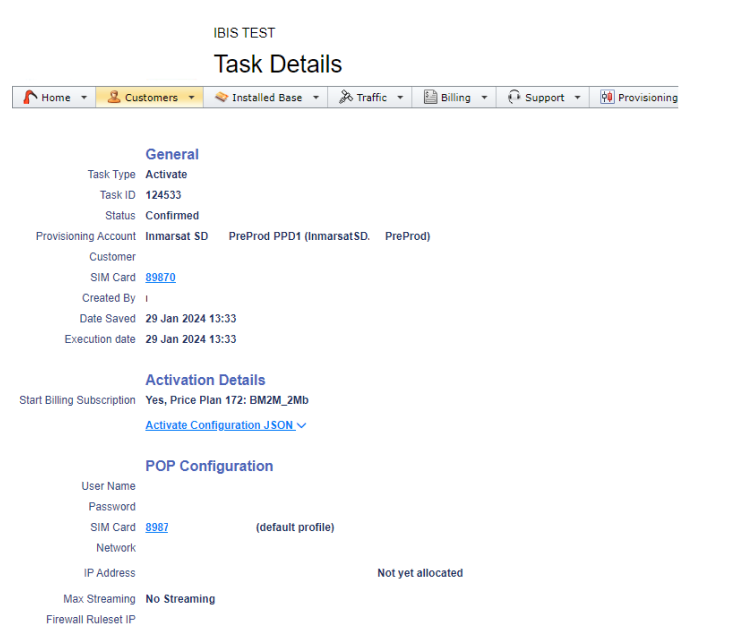
The next stage is starting the communication via API to Viasat/Inmarsat SDP, Sending Provider.

In the Provisioning task overview the SD Order is visible: OR00163498. This order can be found when accessing SDP and checking orders there.
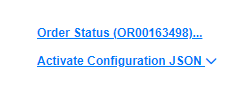
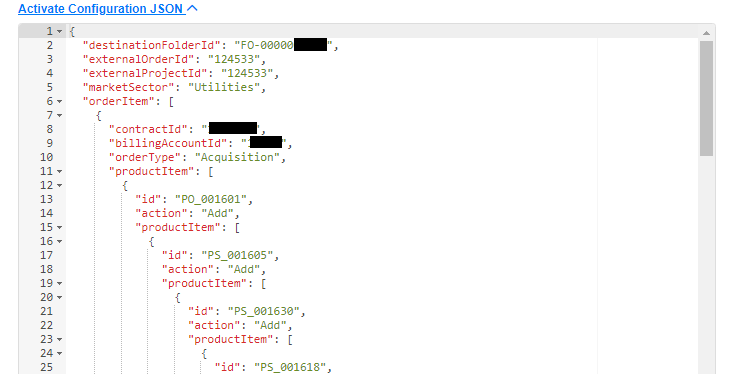
The Activate Configuration JSON is the script that is sent to SDP:
When selecting Order Status the order process in SDP can be followed:
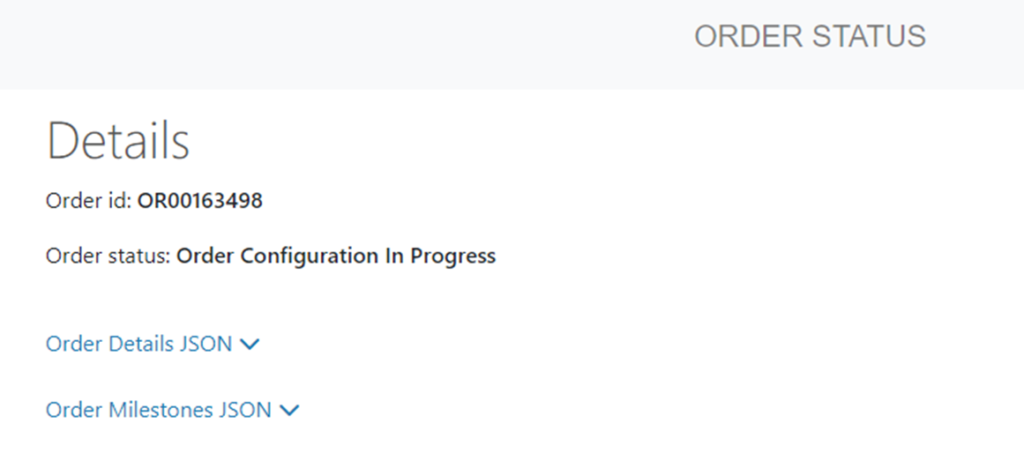
In this case the order Failed. The API return message is visible when hovering over the Failed task:

and is also visible in the task itself:

Review order in SSP for additional checks,
To retry the provisioning in case of “Order Creation Failed”, set Provisioning Task status to Provider, this will create a new order in SDP.
If the order fails with order message, contact Viasat/Inmarsat support for support on the failed order, use reference to the SDP Order ORxxxxx and copy/paste the JSON script.
For further instructions what to do after changing a provisioning task status, see Monitor Provisioning Tasks