
Periodically there may be a requirement to create a manual customer invoice before the next EOM has been run or, to create a sample invoice to either check the layout or to provide an example to a customer.
It is also possible to create a sample invoice after the EOM invoice has already been created. Example: When an invoice needs to be adjusted and resent, this provides the option to check the sample invoice.
The following instructions explain how to do this:
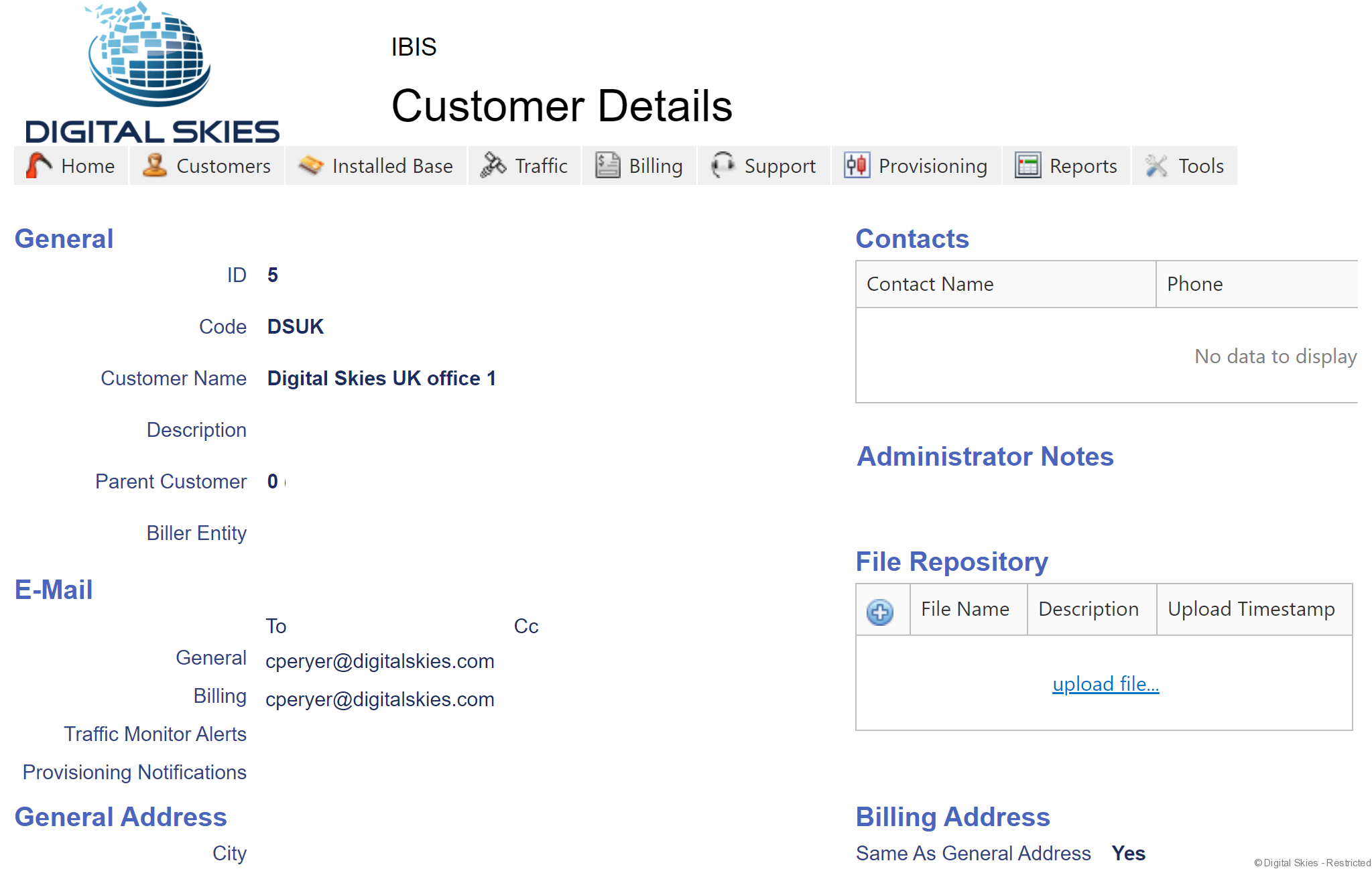
Select the customer by navigating to the ‘Customer Details’ page.
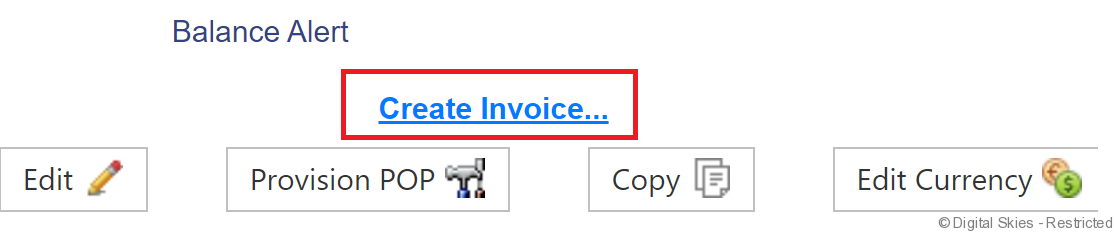
At the bottom of the page click ‘Create Invoice’
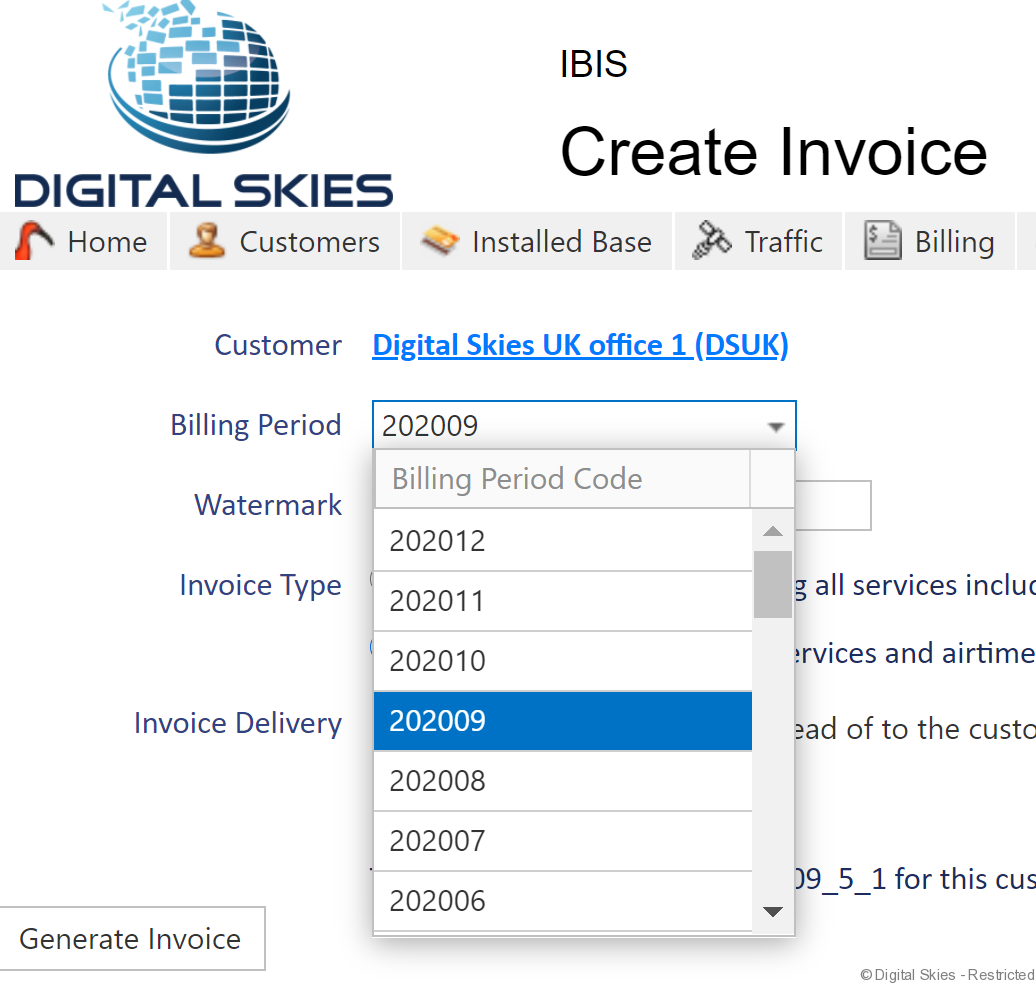
In the Create Invoice page select the Billing Period from the drop down list (default is current month)
If a Watermark is required, please enter this is in the free test field. ‘Example’ is the default for this field.
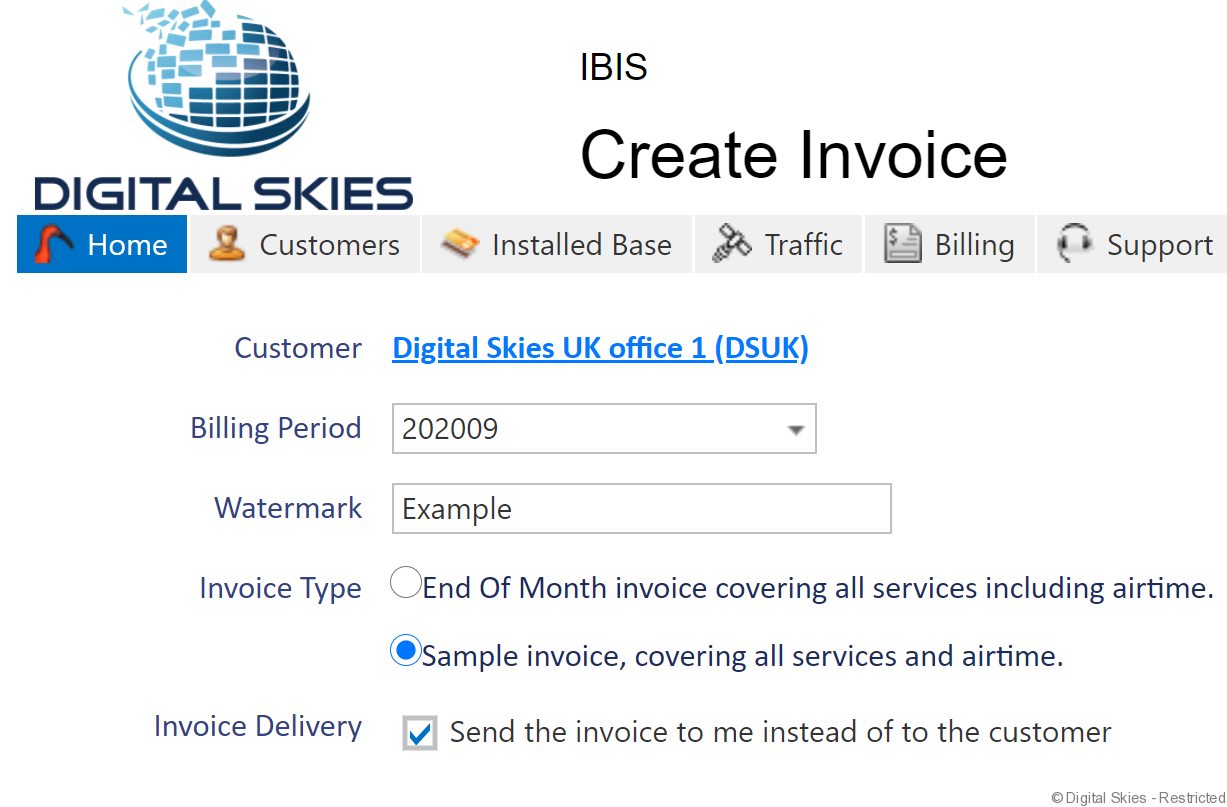
Under Invoice Type, select either, ‘End Of Month invoice’ to send the invoice to the customers billing email address or ‘Sample invoice’ to send the sample invoice to you. Please note Sample Invoice is set up as Default. If selecting the sample invoice option, the Invoice will always be sent via email to the user who requested the invoice sample and not to the customers billing email address.
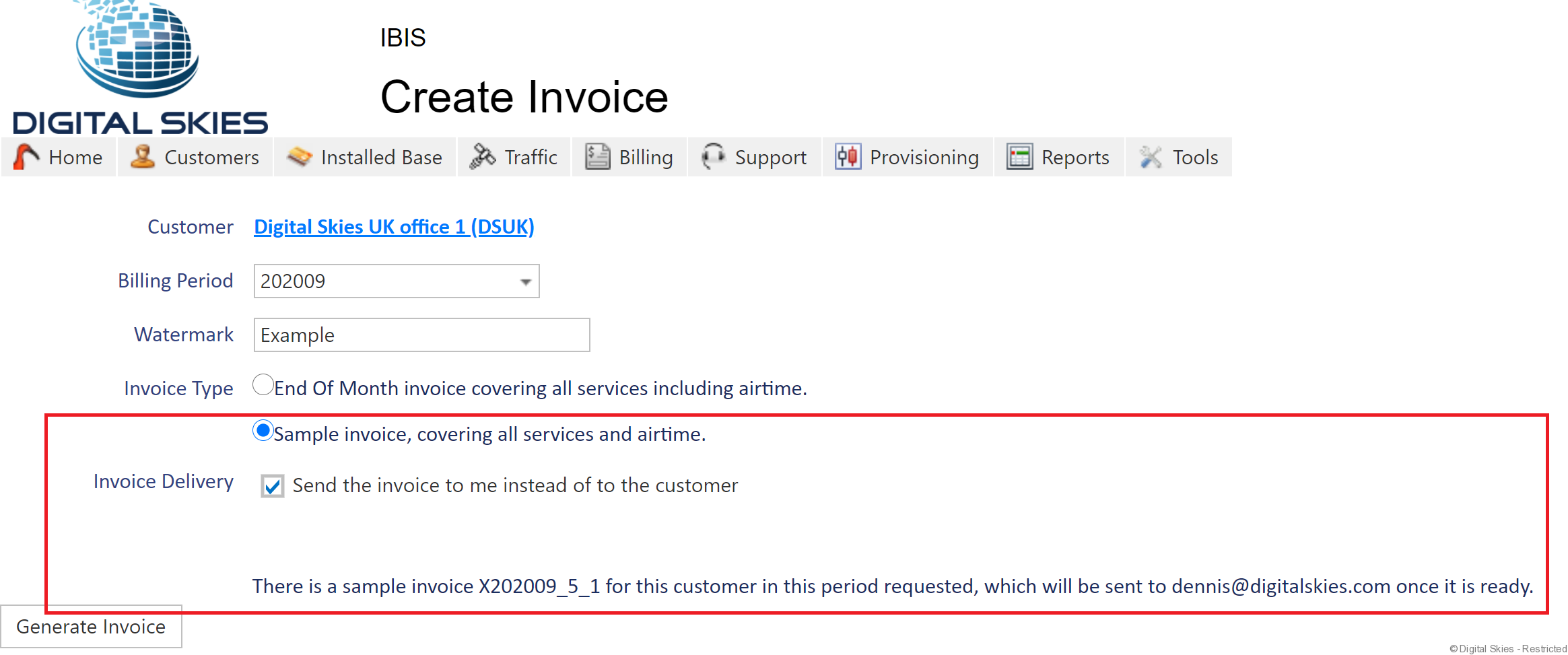
Next click ‘Generate Invoice’
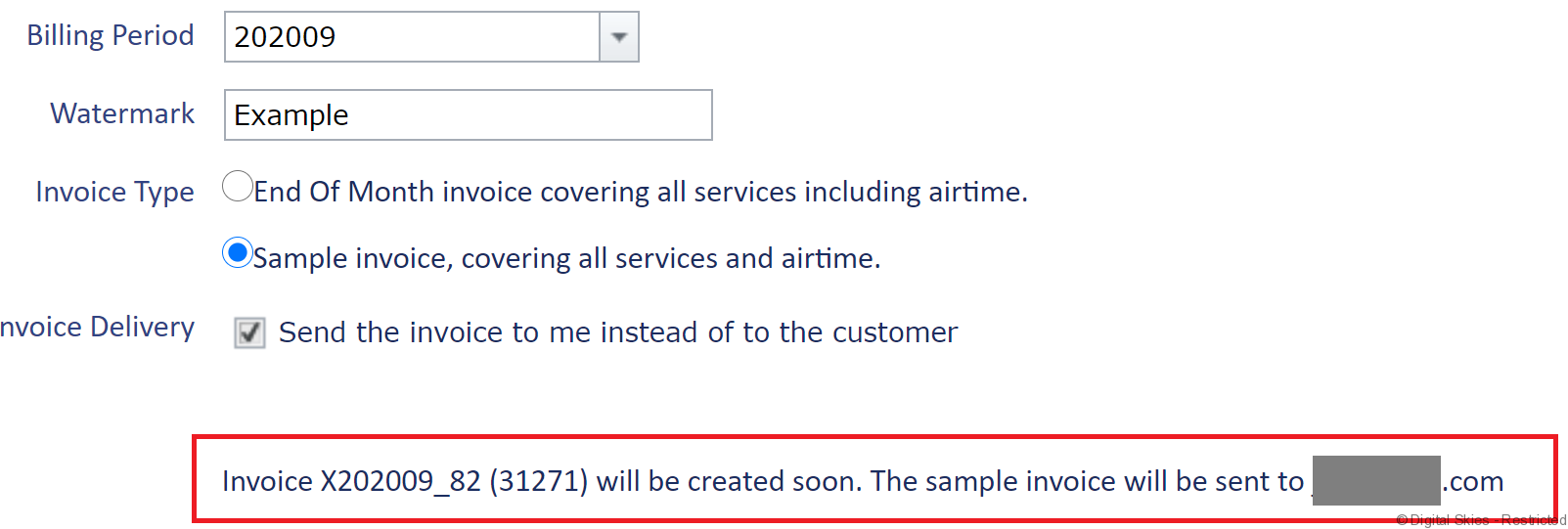
On the next page a message will appear indicating that once the invoice is ready, it will be sent to the required email address.
Please note, if the customer account has no airtime costs or fees to invoice then an invoice will not be generated. The user will receive an email notification to advise them of this.