For an overview of general traffic reporting information, please refer to the reporting pages of the Knowledge Base
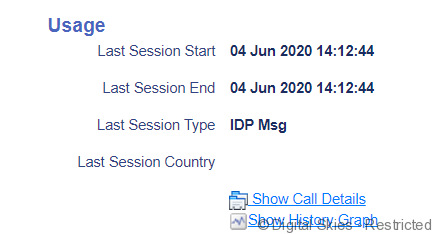
On the Card/Terminal details page the Usage section is on the right side of the page.
Data is displayed about the last call event, service and country location.
When selecting [Show Call Details] the Rated CDRs report will pop up for the specific SIM card and current billing period. You can filter, move columns and edit the report through the Table Options Menu.
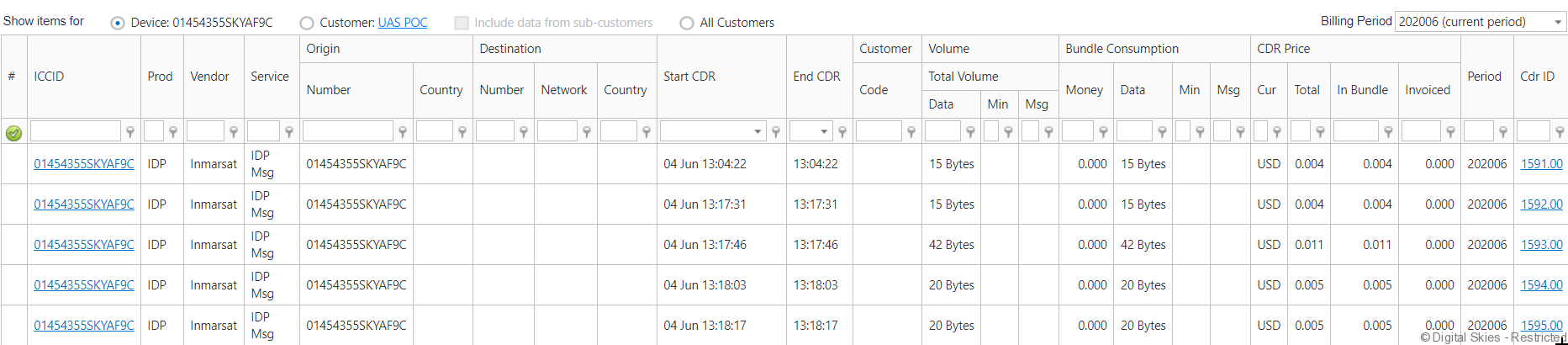
The [Cdr ID] links to the mediated CDR with reference to the raw call data from the satellite operator, see CDR mediation.
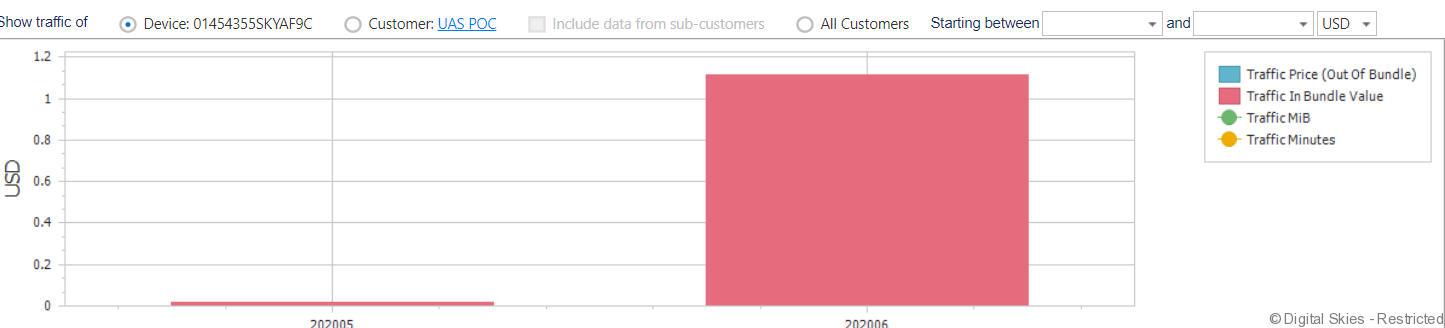
When selecting [Show History Graph] two graphs will pop up, one graph showing USD value of the traffic generated and one graph showing the volumes of traffic.