
PIP offers access to Radius events for EchoStar Mobile DPs via API.
Access to Swagger
Go to https://eml-pip.satcomhost.com, and login with the regular PIP user credentials.
Change the URL to …/api/swagger. The URL should now look like this:

Scroll down to PopEvents or PopFailedEvents (whichever is of interest)
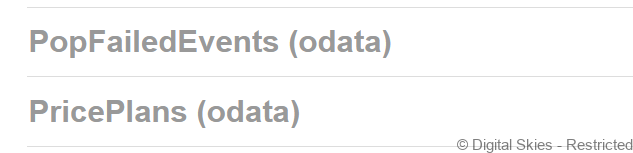
Expand the item to view by clicking on it. Important: The first time the user does this, they will see the red exclamation mark to the right. Click it, check the [ibisApi] and click Authorize. (In case the user had not already logged on to EML-PIP, this will open a new browser tab where they can pass their credentials; if they followed the steps above, they are already logged in).
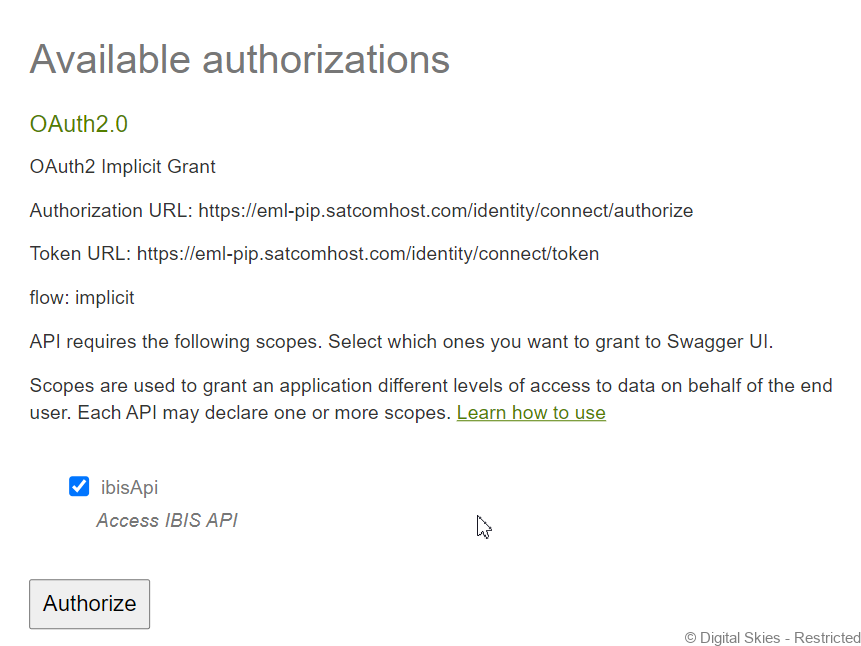
The user should now see a blue info icon where they saw the red exclamation mark before, indicating that their swagger interface is logged in.

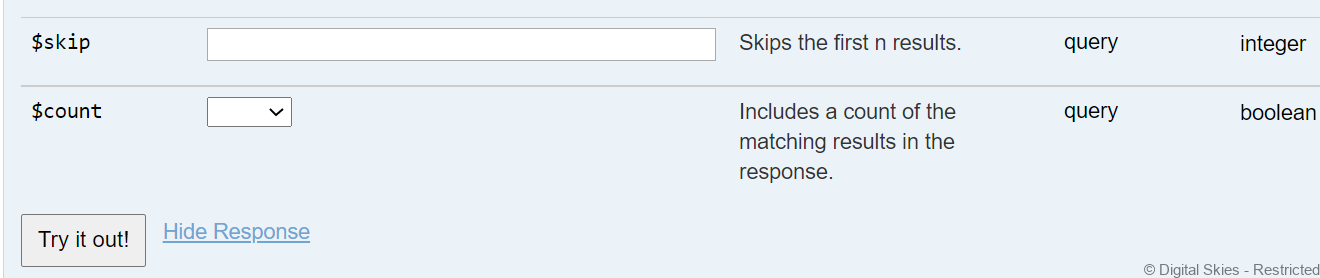
They can now use the usual ODATA filters (or leave everything blank), and click the “Try it out” button.
The Response Body will then show the PoP events the user queried for:
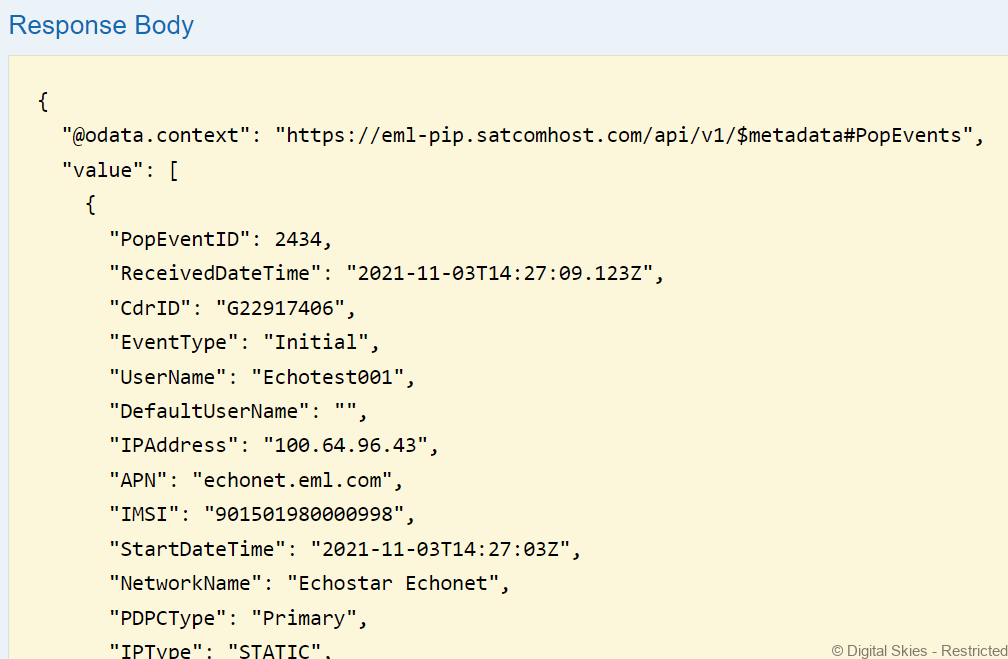
This confirms the RADIUS data feed is up and running and can now be integrated into customer applications by API.