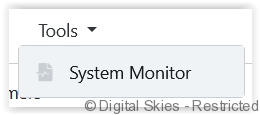
System monitors are available via the [Tools] menu.
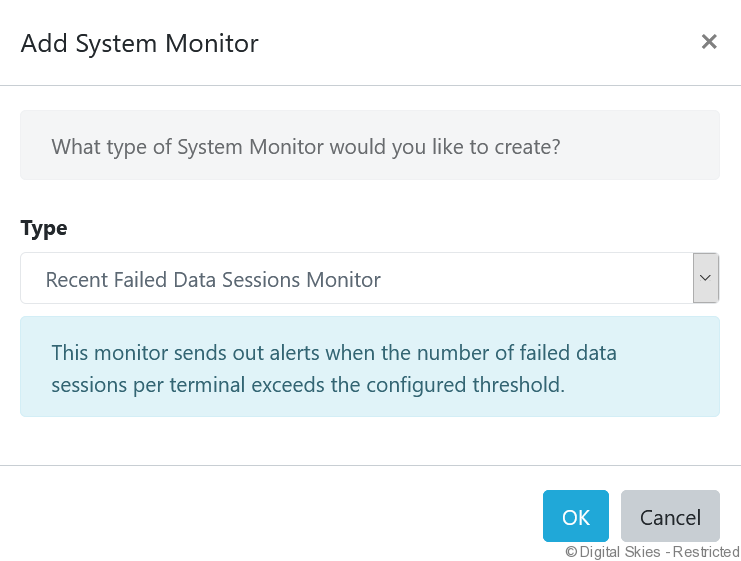
Add system monitors to pro-actively monitor individual, multiple or all terminals linked to an account.
Recent failed data sessions monitor – Use this monitor to send out alerts when the number of failed data sessions per terminal exceeds the configured threshold.
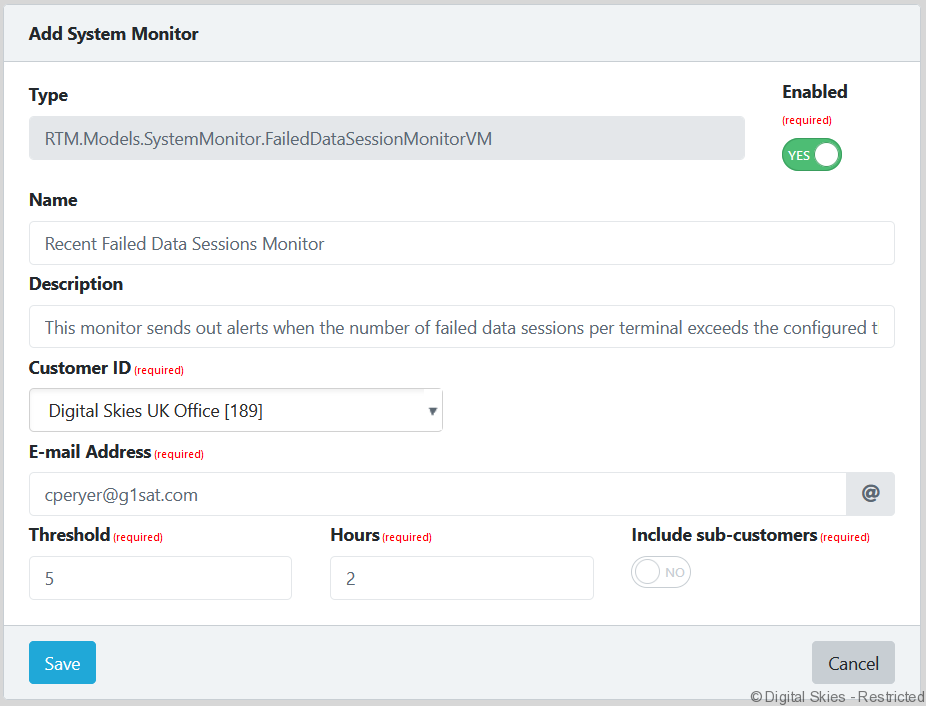
When creating a system monitor, users first configure the system monitor settings against the entire customer.
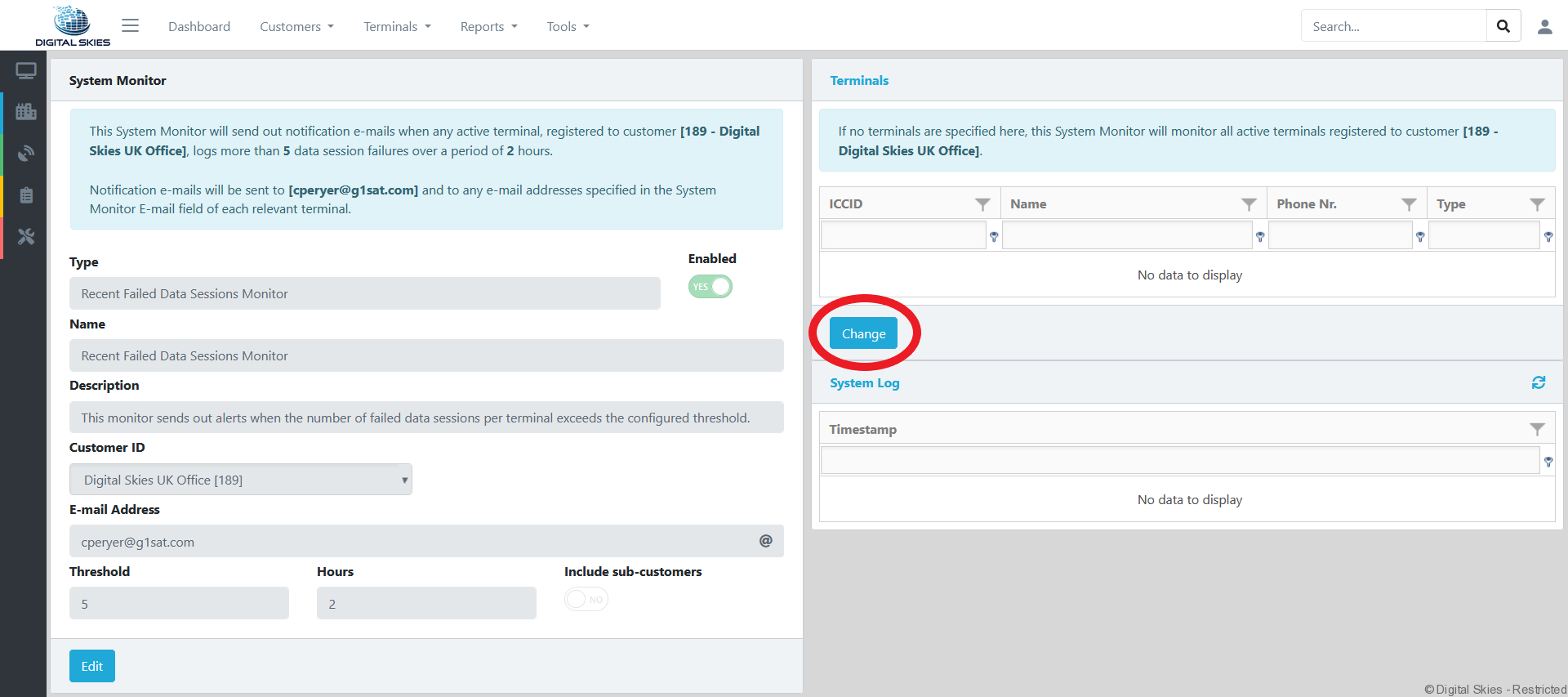
When the monitor has been saved users can specify individual or multiple terminals by Clicking [Change].