
Access to IBIS functionality is based on User Roles.
Customer hierarchy
Any user in the customer hierarchy only has access to their own customer level and the levels below, not to the levels above. A top level IBIS User (DP, SP or VAR) has access to the data of all their customers. Their customers only have access to their own customer level, and any sub-customers they may create underneath.
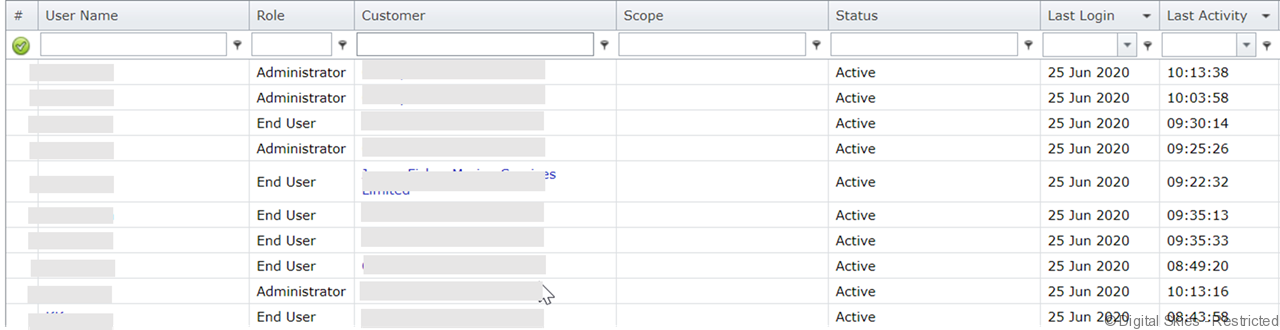
User Name: this is the name the user has been assigned when created. The user name is an unique identifier and can’t be changed
Role: This is the role the user has, the role determines the permissions in IBIS
Customer: the name of the customer that this user belongs to.
Scope: only used for certain roles such as Agents
Status: whether the account is active or has been end dated
Last login: the last date the user has logged in
Last activity: the timestamp the user was last active, mouse-over shows the page visited at that moment
Email: the email address of the user.
Actions that can be taken on this page:
Selecting the user name brings up the user details screen, where the user role can be changed
Selecting the customer name brings up the customer details screen