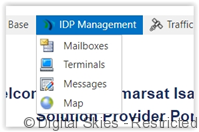
Terminals can be managed from the Terminals screen in IDP Management.
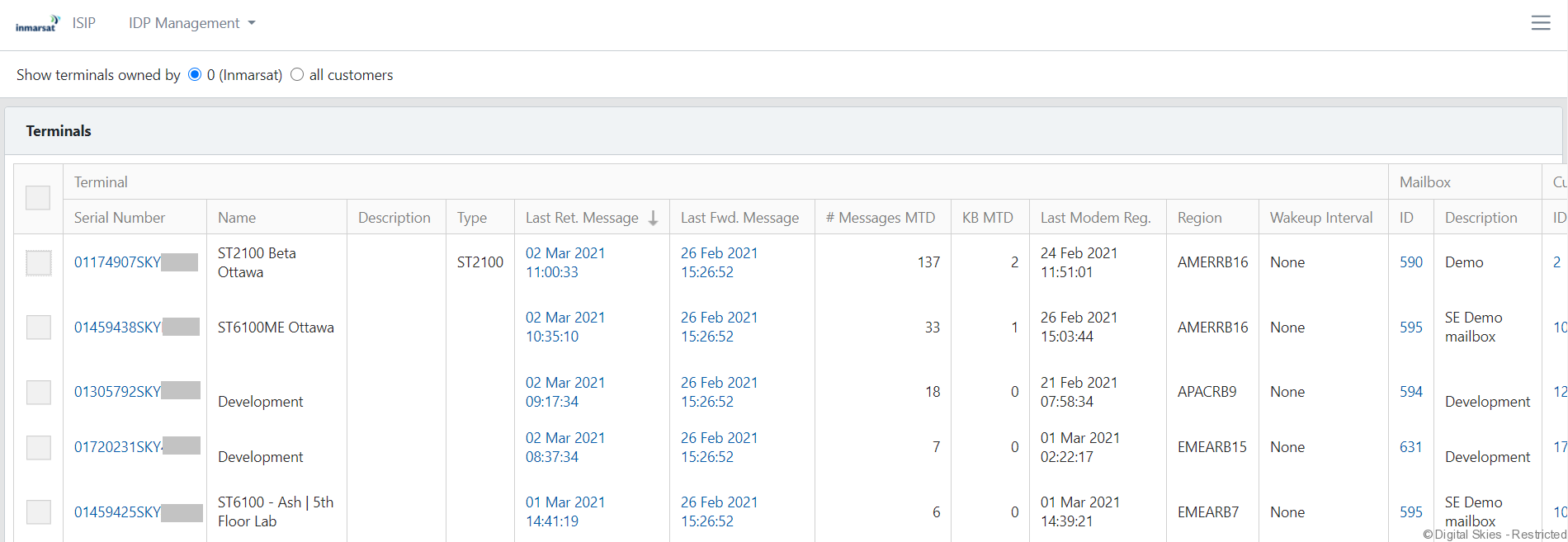
The overview screen shows all the terminals that can be managed by the current user.
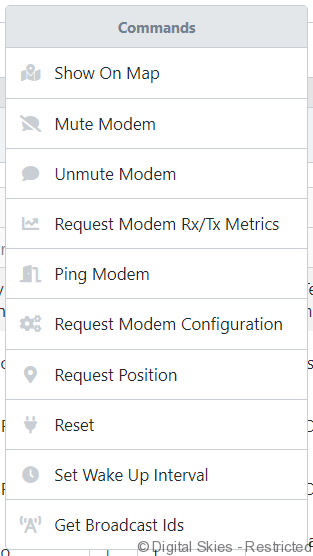
Action menu
The Action menu is displayed when one or multiple terminals are selected.
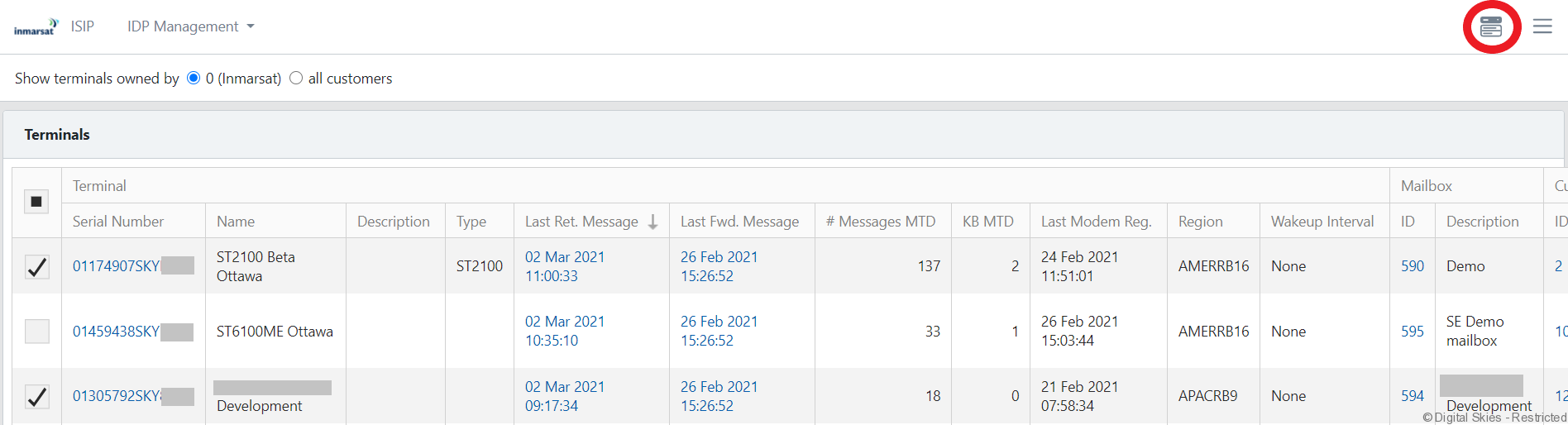
Use the action menu to send (bulk) commands against any selected terminal.
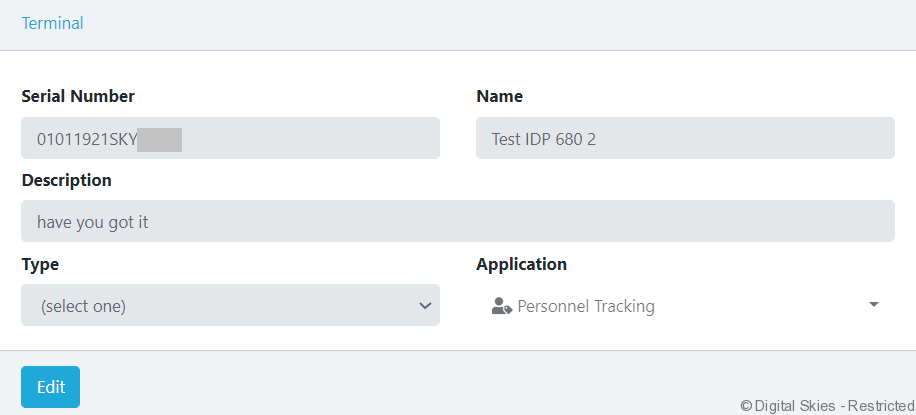
Terminal
Users can also click on a terminal and send actions to the individual terminal or view and edit the properties of the terminal.
Status
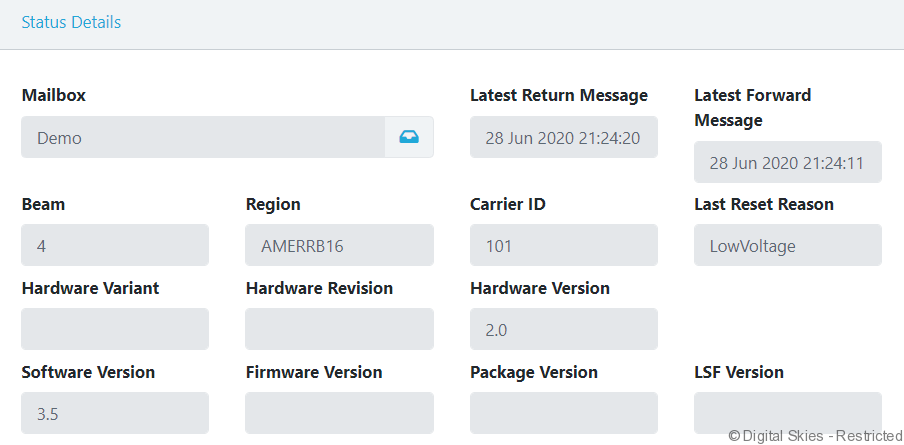
Status always shows the latest information pulled from the last Return Message.