
A subscription is created when a device is activated on a priceplan.
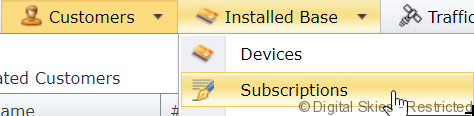
In the subscriptions overview, all subscriptions active/inactive can be viewed.
On the subscriptions overview, the following default columns are visible:
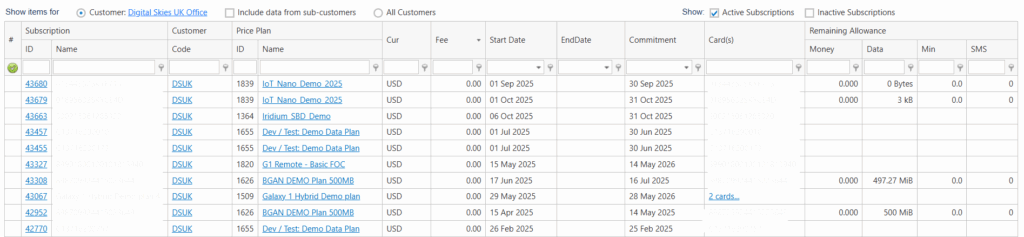
ID – This is the unique ID identifying the subscription. Clicking on this leads to the subscription details page
Name – Subscription name, single SIM subscription will have the ICCID as subscription ID, multi SIM or Pool subscriptions will have the price plan name as Subscription ID. This text field can be adjusted if required.
Code – Shortcode for the customer (in table options it is possible to add Customer Name to the report)
Priceplan ID – Unique identifier of the priceplan of the subscription
Priceplan name – the name of the priceplan
Currency – the currency of the priceplan
Fee – fee amount
Start date – the start date of the subscription, this is usually the date of activation
End date – if no date is listed here, the subscription is still active
Commitment – the minimum commitment date, if deactivated before this date, Early Termination Fees may apply
Cards – The identifier of the device(s) in the subscription
Remaining allowance: in case a bundle of traffic is included in the subscription, this shows the remaining allowance for the period
Actions that can be taken from this page:
- Create new subscription – in this case no device is pre-selected, it can be selected from the new subscription screen. Alternatively, a new subscription is started from the SIM card/terminals details screen, in that case, the device is pre-selected