
Create a new user
Note: A new IBIS user can only be created by the IBIS administrator.
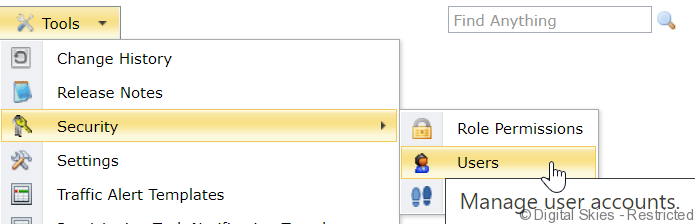
Go to the [Tools] menu and select [Security] and then [Users]
On the bottom of the page, click the [new user] button
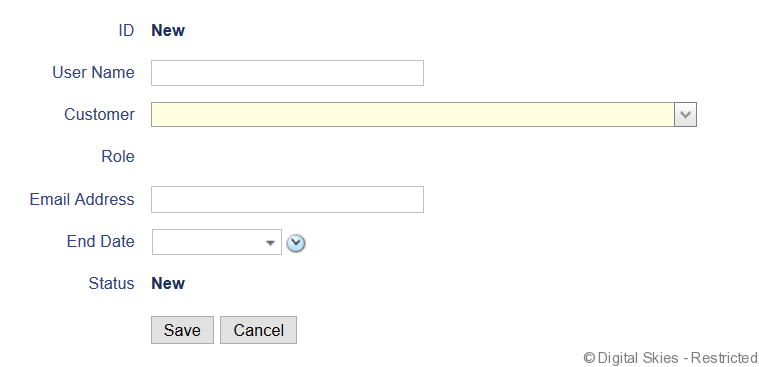
Fill out the username. Please note that this can’t be changed later.
Select the customer. The user will be able to see all details for this customer and the levels below.
Select the role When the customer has been selected, a list of roles will become available, this is dependent on which roles the IBIS administrator has made available
Fill out the email address. A notification of the account will be sent to this email address, with details on how to access their account.
Leave the end date blank, unless this is a temporary account.
Save the new user.