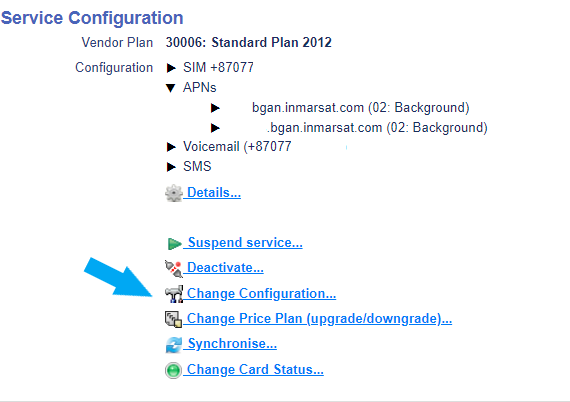
When a service configuration of an active device is required, look up the device and scroll to the bottom right side of the screen to the Service Configuration section. Then select Change Configuration.
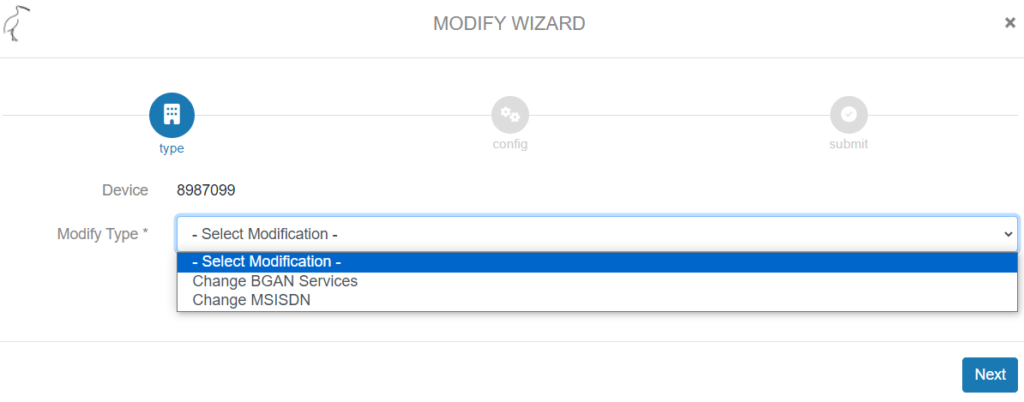
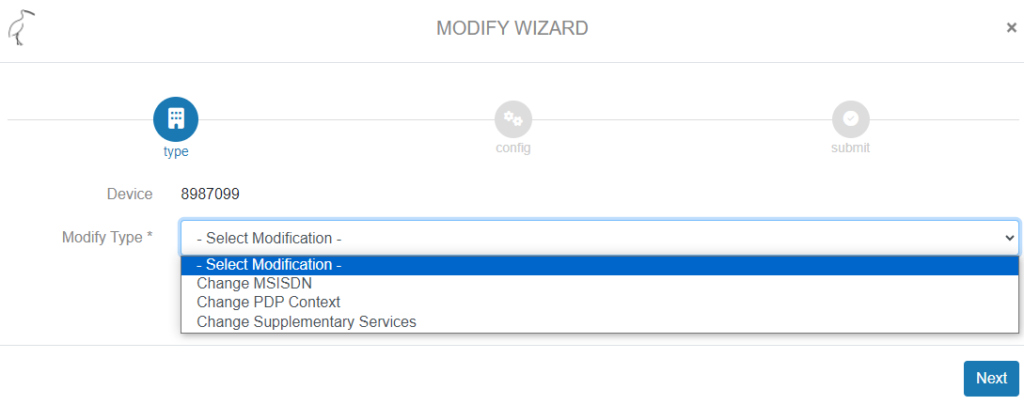
There is a difference between the modify options for BGAN and BGAN M2M services:
BGAN
BGAN M2M
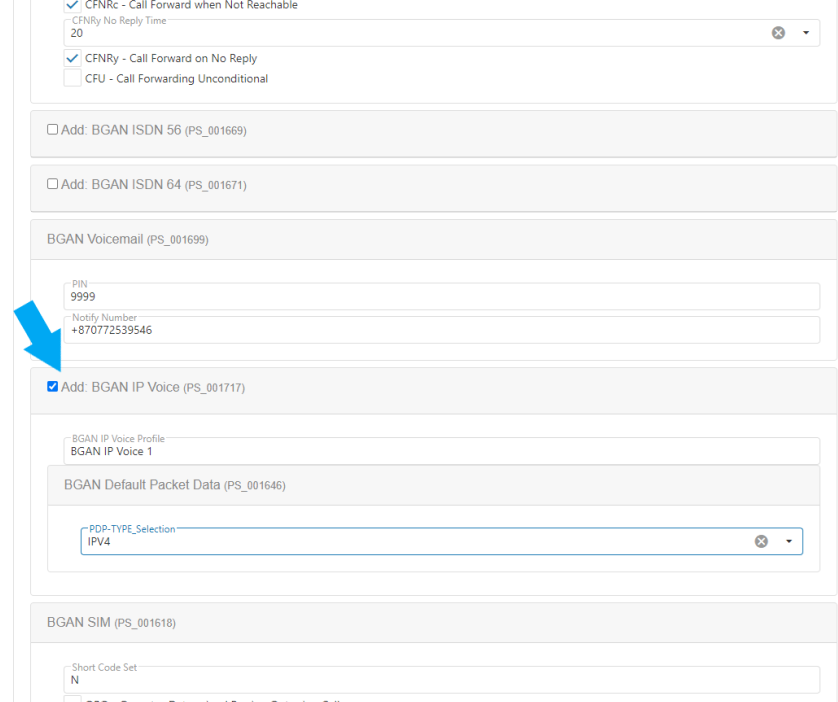
Below example is a BGAN Service configuration change where BGAN IP voice has been added to an active BGAN device.
When selecting Change BGAN Services, the next page shows all possible BGAN configurations, like BGAN Data Packet (APN), call forwarding options, BGAN IP Vice, etc. Add preferred configuration or make changes to current configurations and hit Next.
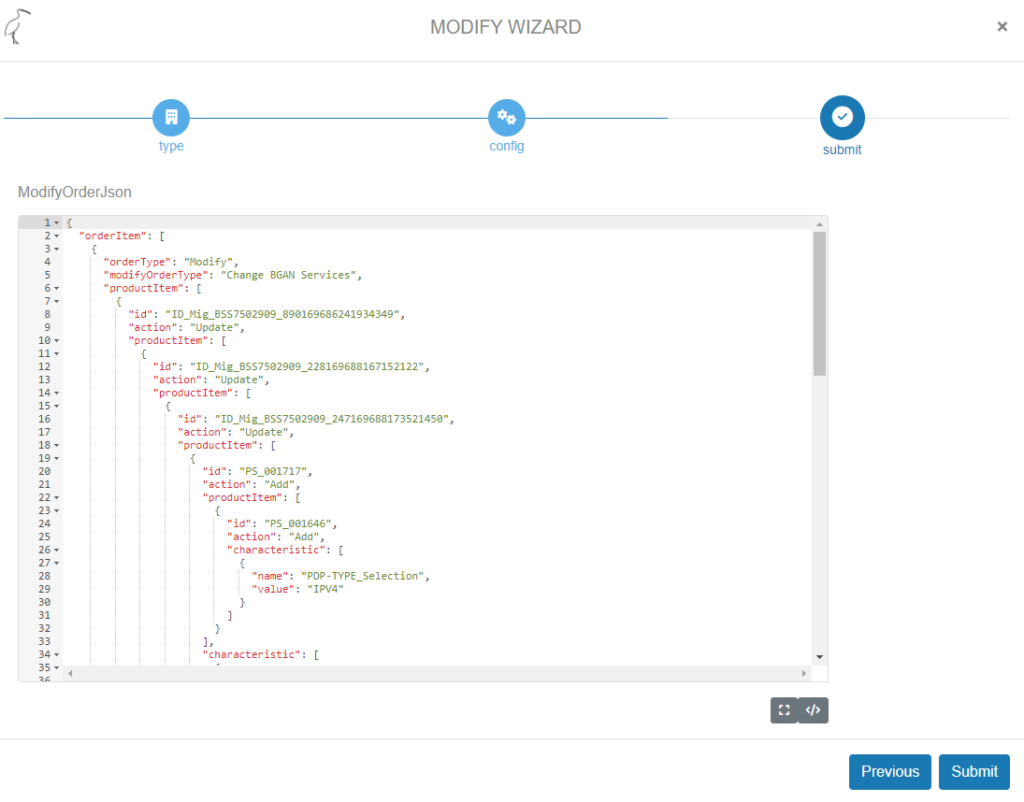
The following page shows the order script as it will be sent through the API. Select Submit. in the below example BGAN IP Voice has been added. This page is for information only, the order can’t be modified here.
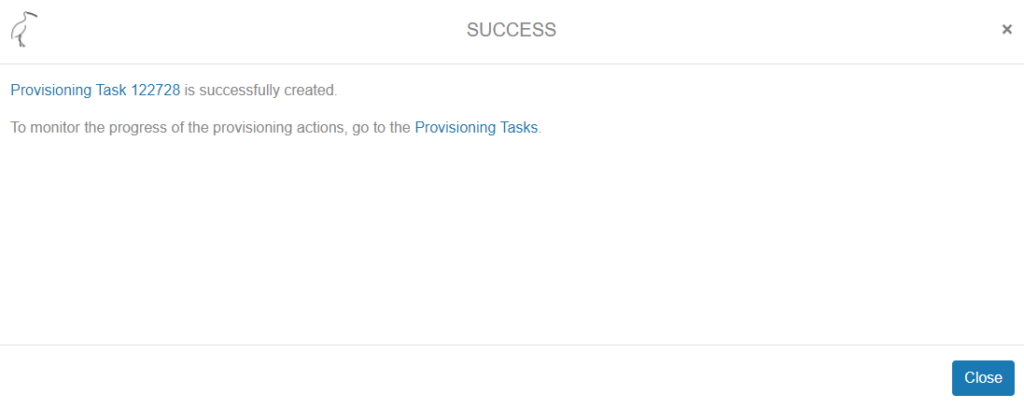
The provisioning task is created and the order process can be followed in the Provisioning Tasks overview.