
In the Customer details page there is the option to have CDRs sent in a zipped file to a specified email address.
For IBIS CDR format, see CDRs export – format
- Set up CDR Export in the billing details of the Customer account, Customer Account Creation – Billing details
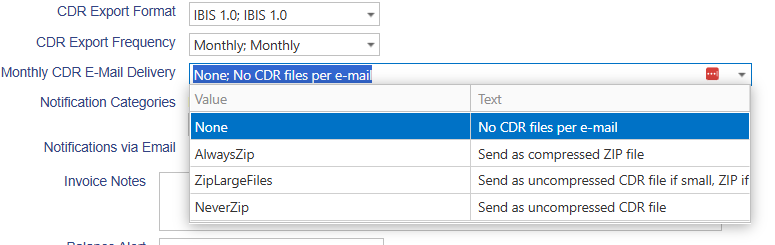
2. Add email address in Customer account Email settings field CDR Export Files. CDRs will be sent in a zipped file to this specified email address.
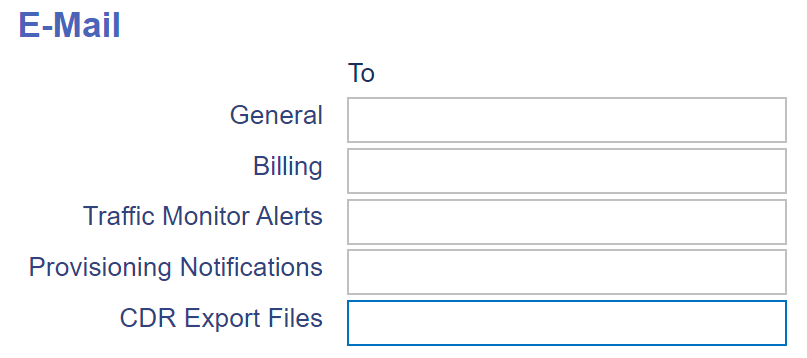
NOTE: only monthly CDRs are provided per email and only after the biller has approved the customer invoice (Final).