Customers
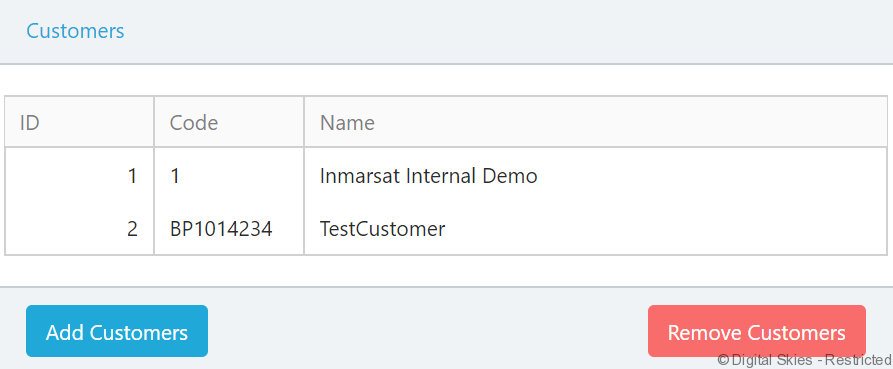
The Customers section lists all ISIP customers that can access the current mailbox.
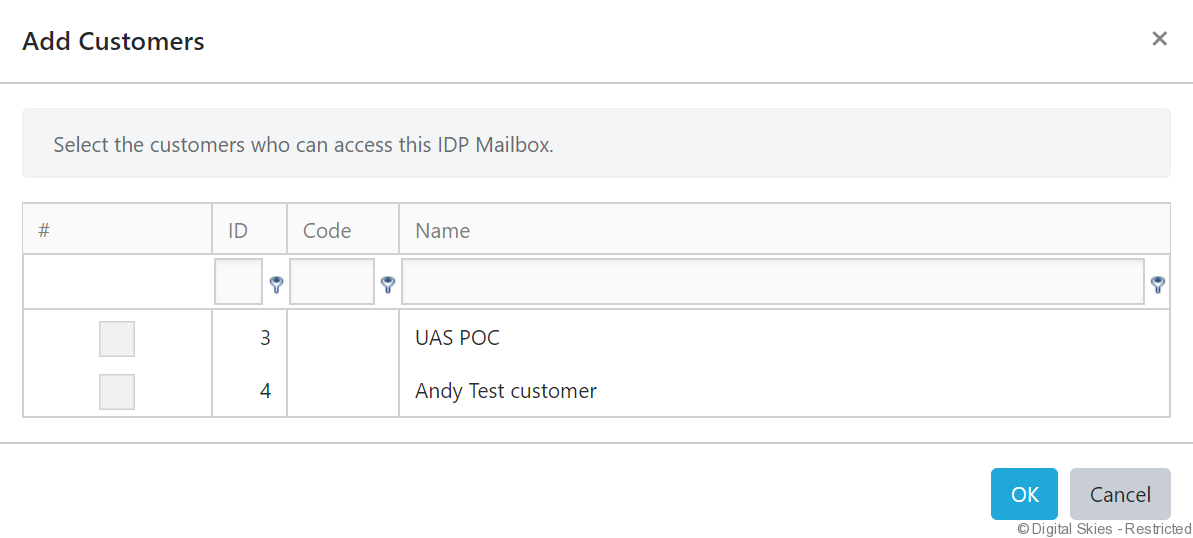
Use the [Add Customers] and [Remove Customers] buttons to add or remove customers from this list.
The customers can only activate terminals against mailboxes they are assigned to.
Terminals
The Terminals section lists all the terminals assigned to the current mailbox.
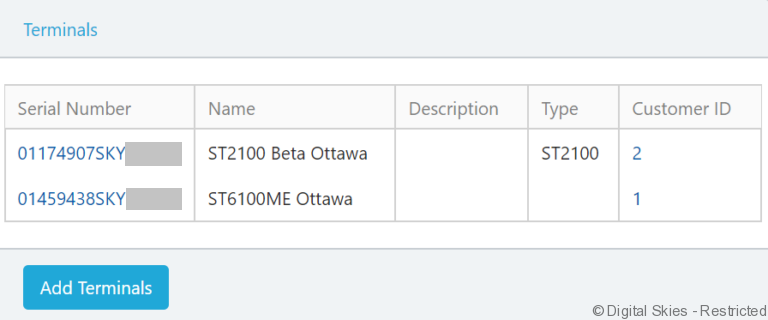
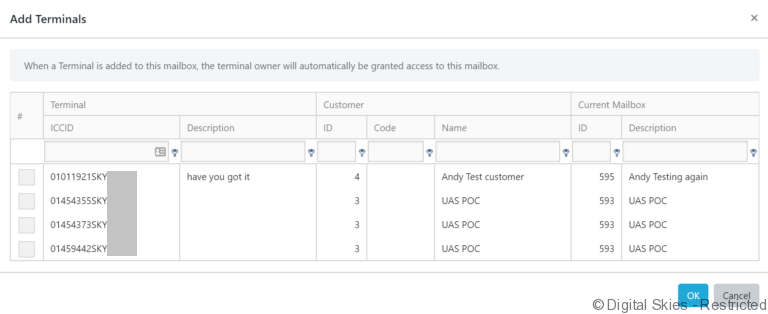
Click the [Add Terminals] button to add individual or multiple terminals from one mailbox to the current one.