
In order to provision an IMT topic on a Certus terminal, the following needs to be verified beforehand:
- The topic is made available for provisioning by the AP
- The topic has been synchronised to IBIS (see IMT Topics)
- The terminal supports IMT
- The Iridium Service Plan selected supports IMT
The process for adding IMT Topics to a new activation or an existing activation is similar.
- For activation, this is included in the activation wizard
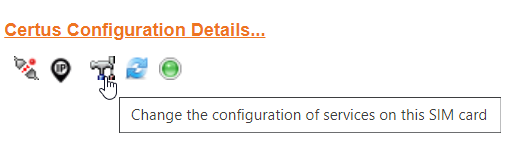
- For configuration, please go to the SIM card details screen and select the [change configuration] icon on the bottom right of the page.
As part of the SIM card configuration, a new screen for Messaging will be displayed if the terminal and priceplan support IMT. In this screen, which is below the IP and Voice, IMT Message can be enabled or disabled and topics can be added to the SIM card.
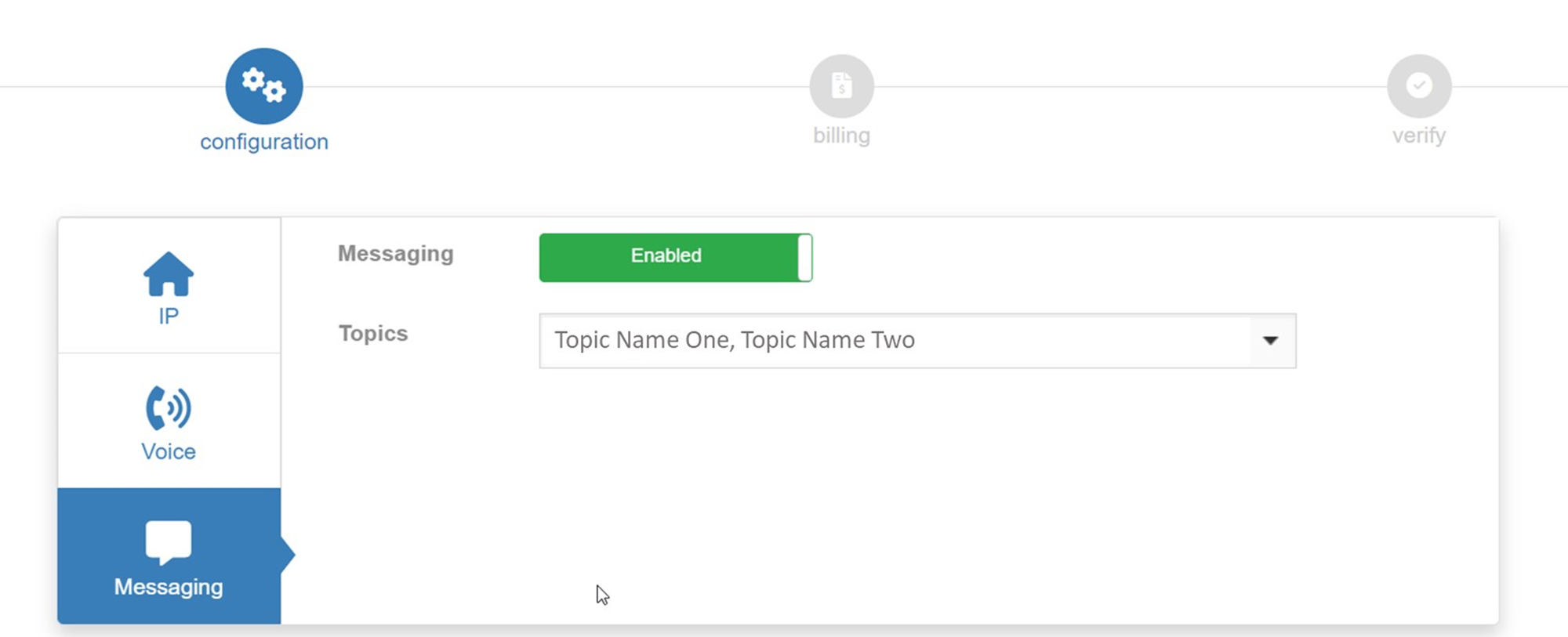
When Messaging is set to [enabled], it is possible to pick from the list of topics that have been accepted by this SP.
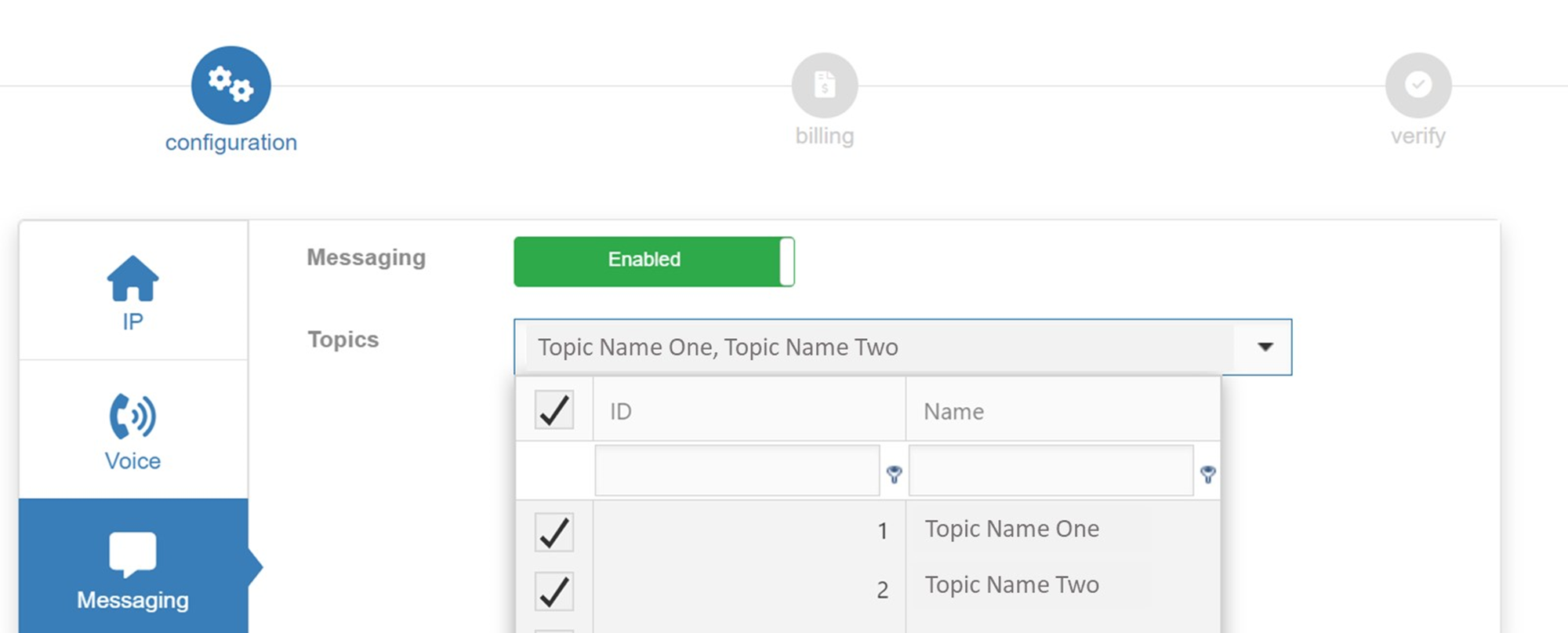
For every topic that the terminal needs to subscribe to, tick the box in front of the topic.
Once selected, complete the configuration or activation.
If in the future a topic would not be required anymore, go to the terminal configuration and untick the box in front of that topic to disable it.